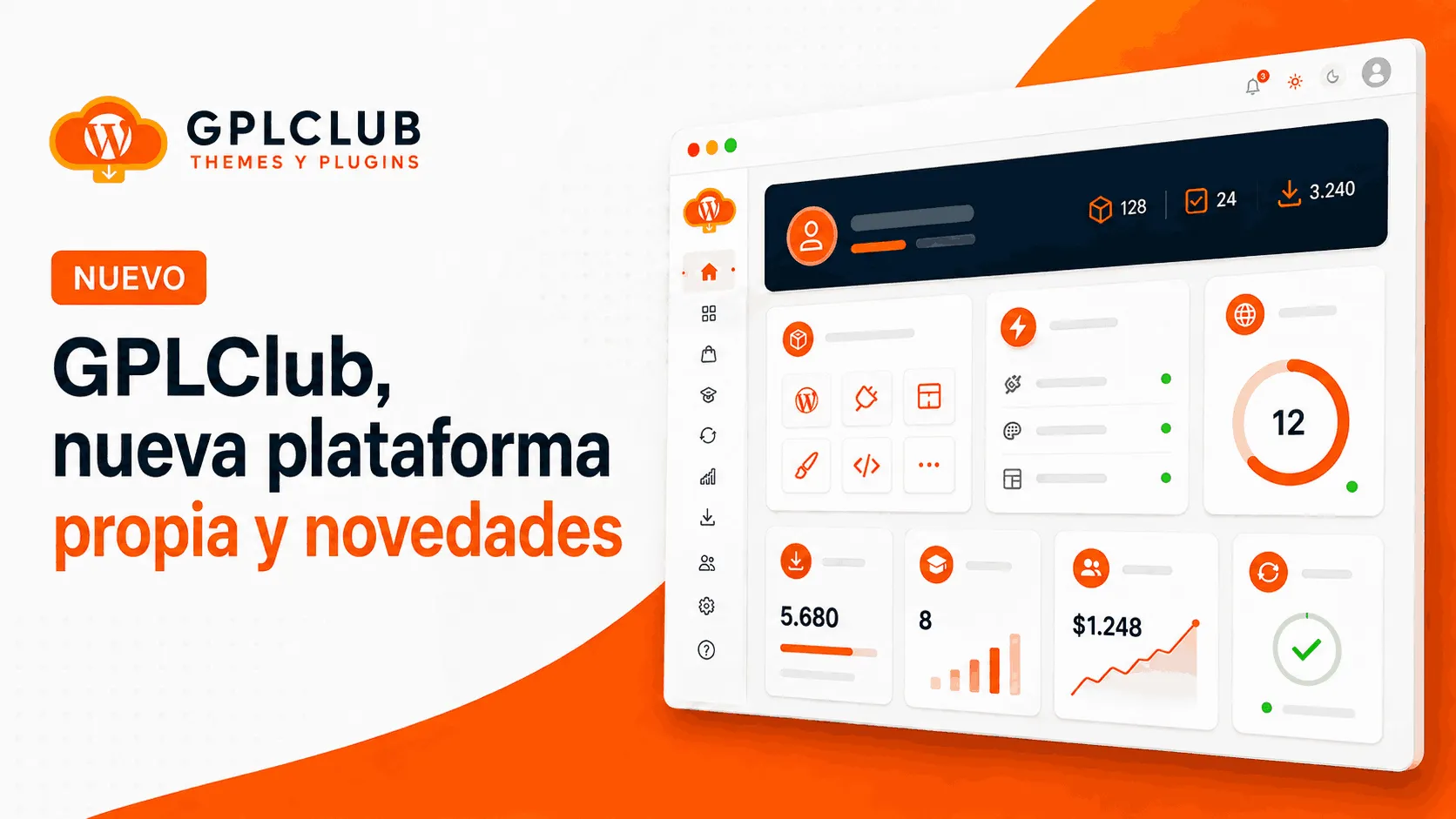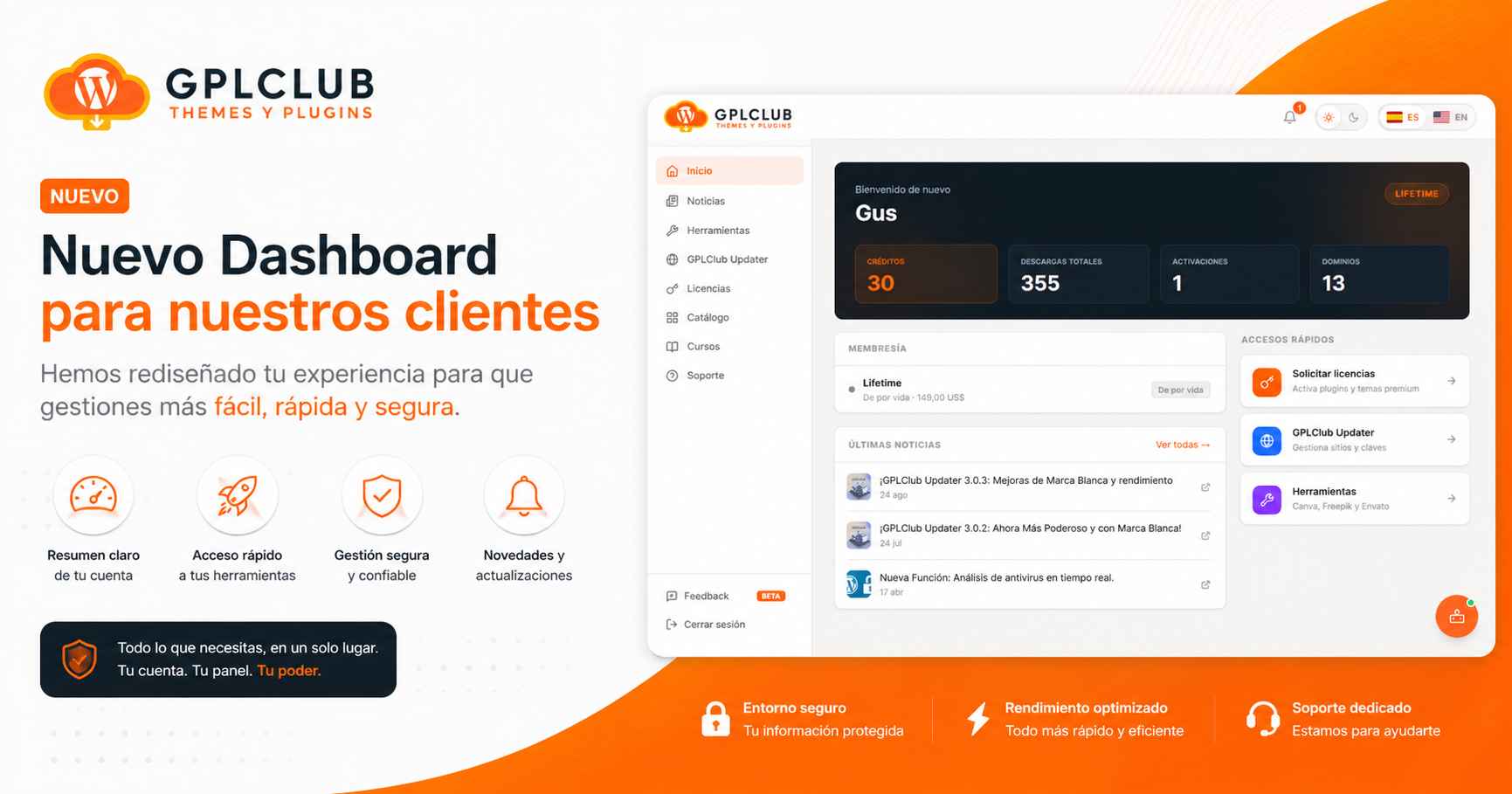
Over the past few months we've been working to improve the GPLClub experience. We've built a panel that's independent from the main website so you can access your benefits in a more complete way.
Today we're launching it in Beta and you can already try it.
What is the GPLClub Dashboard?
It's your new control center as a member. From a single place you can access everything your membership includes, without navigating between different pages or remembering multiple links:
- 📦 Full catalog: search and explore every plugin and theme available.
- 🔑 Licenses: request and manage your premium license activations.
- 🛠️ Tools: access Canva Pro, Freepik and Envato Elements right from the panel.
- 🌐 GPLClub Updater: register your domains and keep everything updated automatically.
- 🎓 Courses: manage your access to the courses platform.
- 🤖 GPLBot: your AI assistant for WordPress, always available.
- 🔔 Notifications: stay up to date with important news and updates.
Coming soon to the Dashboard
🔔 Product tracking
You'll be able to mark plugins and themes as favorites directly from the panel and get an automatic email whenever a new version is available. No more manually checking if your favorite plugin was updated.
🌐 Hosting management
Members on the Annual and Lifetime plans will be able to request and manage their hosting directly from the dashboard, without leaving the panel. Check your service status, expiration dates and access the essential options of your account, all integrated with our platform.
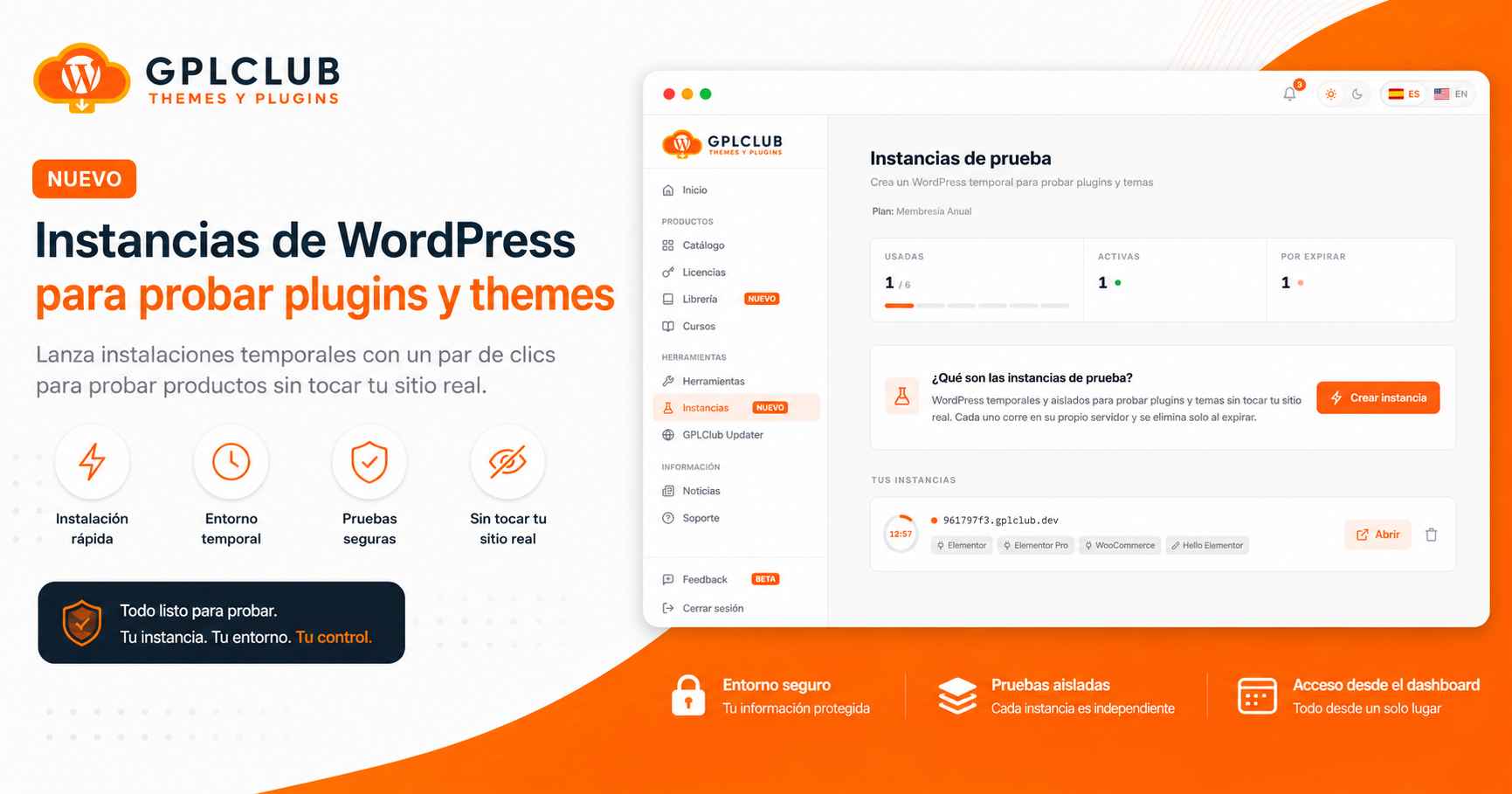
⚡ WP Spawner, WordPress in 1 click
Spin up temporary WordPress instances in seconds to test plugins, themes or configurations without touching your real site. Instances are automatically destroyed in 24 hours or 7 days depending on what you choose, and the available amount depends on your plan. A tool we use internally that will soon be in your hands.
How do I access it?
Go to dashboard.gplclub.com using the same credentials you use on gplclub.com. You don't need to create a new account or remember another password.
What does Beta mean?
The panel is functional and you can use it starting today, but we'll keep adding improvements, fixing details and expanding features over time. Using it is completely optional, the current GPLClub panel remains available as always.
If you find something that doesn't work as expected, or you have an idea to improve the panel, there's a Feedback button inside the dashboard. We read every comment you leave and take it into account.
Thank you for trusting GPLClub. This panel is for you, and with your help we'll keep making it better.