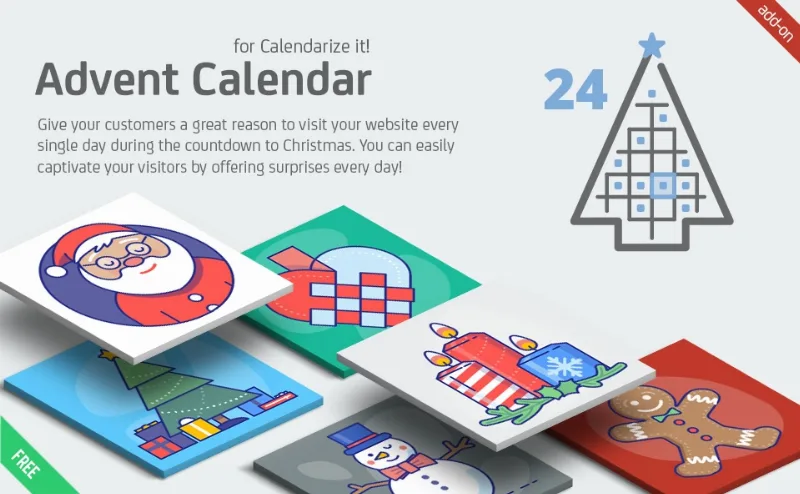
Advent Calendar for Calendarize It!
Antivirus scan
Powered by ClamAV
✅ Verified clean
This product file has passed our security filters.
Want to run a fresh ClamAV scan right now? Takes a few seconds and shows scanner version, signature DB and live result.
This can take 5 to 30 seconds.
Clean file Threat detected
No threats detected in this file.
- File
- Size
- Scanned
- ClamAV
- Signature database
⚡ Powered by ClamAV
Scan could not be completed
Report product
If you detected an issue (broken file, malware, inappropriate content, etc.) let us know and we'll review it ASAP.
Sign in to reportNewer version out, or a problem?
About Advent Calendar for Calendarize It!
Advent Calendar for Calendarize it!: Advent inside your events agenda
Setting up a Christmas campaign often ends in a separate calendar, with dates that don't line up with the events you already publish and every day prepared by hand. Advent Calendar extends Calendarize it! to solve that inside the same events agenda.
The add-on is fully integrated into Calendarize it! and uses its own content type for the Advent entries. That lets you show only those events when you need to, without mixing them with the rest of your agenda.
Three ways to use it depending on what you want to show
The same calendar works in different situations. These are the clearest profiles.
An events website with a Christmas campaign
If you already publish events, the Advent calendar sits on that same agenda. Each day has its own door or layer, which you can animate and color. That way the Christmas campaign lives alongside your other events.
A countdown to another date
The add-on is not tied to Christmas. You can use it as a countdown to any event or important date, just by choosing the start and end dates.
A calendar with its own images
It includes 25 Christmas icons and 25 snowflake icons designed for the calendar. If you prefer, you can also use your own photos instead of these icons.
How each door opens: animation, colors and tooltip
Each door is customized with shortcode attributes. These are the available attributes:
- advent_animation: adds animation to each day's layer. It accepts door, which opens a door when clicked, and slide, with variants that slide to the right, top or bottom.
- advent_background_color and advent_color: set the color of each day's layer and the color of the date, using a hex code.
- advent_images: adds custom images over the layer, using their URLs separated by commas.
- tooltip_disable_title_link and tooltip_image: remove the link to the event title in the tooltip or the tooltip image.
Needs Calendarize it! installed and active
It is an add-on for Calendarize it!, so that plugin must be installed and active for the Advent calendar to appear on your site.
Frequently asked questions about Advent Calendar for Calendarize it!
Can I use it only for Christmas?
It isn't required. It works for Christmas, but also as a countdown to any other event or important date.
Which dates should I set for a Christmas calendar?
With advent_start="2021-12-01" the calendar starts on December 1, and with advent_end="2021-12-25" it ends on the 25th. In Nordic countries (Denmark, Norway, Sweden, Finland and Iceland) Christmas Eve is usually the end: advent_end="2021-12-24".
Can I show only the Advent events?
Yes. Since the add-on uses its own content type, you can show only the Advent events without mixing them with the rest of your agenda.
Can I use my own images?
Yes. Your images are added with advent_images, listing the URL of each one separated by commas.
Month view: event image and cell color
If you want the month to show something from each event, enable month_event_image="1" and the event image will appear in the month view. That image is set on each event.
With matchbackground="1" the whole day cell takes its event's color.
Topics
Version history
-
v
1.0.2.75185 Current 12 May 2024
Customer reviews
Sign in to leave a review. Only people who have the product can review it.
No reviews for this product yet.
Frequently asked questions
-
GPL (General Public License) is the license under which WordPress and most premium plugins/themes are distributed. It grants you the right to use, modify and redistribute the software in as many projects as you want, with no domain restrictions.
-
Yes. With membership you get automatic updates via our GPLClub Updater plugin (installed on your WP, detects new versions and applies them). With individual purchase, you get one year of manual updates from your account.
-
Depends on the plan. Monthly: 3 domains. Semi-annual: 7. Annual and Lifetime: 15. Individual purchase: 1 domain.
-
GPLClub offers its own support for installation, configuration and compatibility. For direct support from the original author (feature requests, product-specific bugs), a license purchased from the author is required.