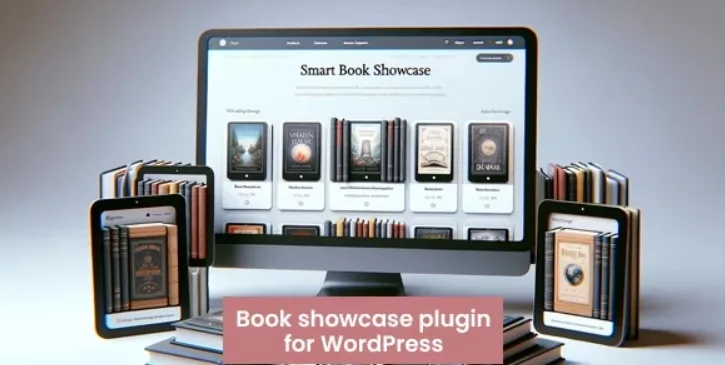
Bookify – Smart Book Showcase For WordPress
Antivirus scan
Powered by ClamAV
✅ Verified clean
This product file has passed our security filters.
Want to run a fresh ClamAV scan right now? Takes a few seconds and shows scanner version, signature DB and live result.
This can take 5 to 30 seconds.
Clean file Threat detected
No threats detected in this file.
- File
- Size
- Scanned
- ClamAV
- Signature database
⚡ Powered by ClamAV
Scan could not be completed
Report product
If you detected an issue (broken file, malware, inappropriate content, etc.) let us know and we'll review it ASAP.
Sign in to reportNewer version out, or a problem?
About Bookify – Smart Book Showcase For WordPress
When the book collection grows, a list of covers stops working
A site with ten books can handle almost any layout. With fifty or two hundred, visitors can no longer find the title they want, get lost among similar covers and leave the page. Authors, publishers and booksellers usually patch this by hand, with tables or loose entries that nobody keeps up to date. Bookify is built so that every book has its place in order.
Bookify stores each book as its own entry
Each title is published as an independent entry, with advanced options to complete its data and a detailed description that gives more context to each book. Book categories let you organize the collection, and visitors move between them easily.
If you want a full page for each book, the single page option creates it. A global options panel manages the settings of the single pages in a centralized way, which helps keep the look consistent. You can also customize the slugs of categories and single pages, which helps SEO.
Three layouts and three carousel modes, with one shortcode
You display the collection on any page or post with a simple shortcode. You choose among three layouts to suit your site's style:
- Grid: a contemporary, structured arrangement.
- List: a classic, linear presentation.
- Carousel: a dynamic, scrollable format.
The carousel has three modes, Standard, Center and Ticker, and you can choose whether it scrolls left to right or right to left, as well as customize the transition between items. The space between columns is also adjustable.
Filters, pagination and visible fields for each visitor
Filter options let visitors sort and find books according to their preferences. You can choose among five pagination styles.
You also decide which book fields are shown and which are hidden. To fine-tune the look, advanced styling options adapt to your site's theme, and there is a custom CSS field if you need to go further.
For a personal collection or a bookstore catalog
Bookify covers two very different situations with the same plugin:
- Personal collection or reading blog: to show your books on your site.
- Bookstore, publisher or author catalog: categories to organize the books, filters so visitors find what they are looking for, and individual pages for each book.
Bookify, ready for multiple languages and right-to-left sites
If your site uses languages written from right to left, Bookify is ready for it. It also supports multi-language setups. And if you manage several sites with the same presentation, the backup option lets you replicate your settings across different sites.
Frequently asked questions about Bookify
How do I show the collection on a page?
With a WordPress shortcode that you insert on any page or post. From there you choose the grid, list or carousel layout.
Can visitors search within the collection?
They can filter and sort books according to their preferences, using the filter options included in the plugin.
Can I hide some data for each book?
Yes. You decide which content fields are shown and which stay hidden.
Can I change the URLs of categories and pages?
The slugs of categories and single pages are customizable, so you can adjust them to your liking.
Topics
Version history
-
v
1.0.0 Current 8 Apr 2024
Customer reviews
Sign in to leave a review. Only people who have the product can review it.
No reviews for this product yet.
Frequently asked questions
-
GPL (General Public License) is the license under which WordPress and most premium plugins/themes are distributed. It grants you the right to use, modify and redistribute the software in as many projects as you want, with no domain restrictions.
-
Yes. With membership you get automatic updates via our GPLClub Updater plugin (installed on your WP, detects new versions and applies them). With individual purchase, you get one year of manual updates from your account.
-
Depends on the plan. Monthly: 3 domains. Semi-annual: 7. Annual and Lifetime: 15. Individual purchase: 1 domain.
-
GPLClub offers its own support for installation, configuration and compatibility. For direct support from the original author (feature requests, product-specific bugs), a license purchased from the author is required.