Bookly Coupons (Add-on)
Antivirus scan
Powered by ClamAV
✅ Verified clean
This product file has passed our security filters.
Want to run a fresh ClamAV scan right now? Takes a few seconds and shows scanner version, signature DB and live result.
This can take 5 to 30 seconds.
Clean file Threat detected
No threats detected in this file.
- File
- Size
- Scanned
- ClamAV
- Signature database
⚡ Powered by ClamAV
Scan could not be completed
Report product
If you detected an issue (broken file, malware, inappropriate content, etc.) let us know and we'll review it ASAP.
Sign in to report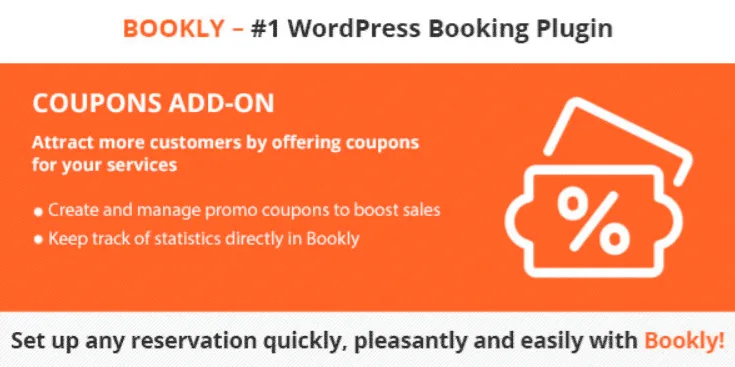
About Bookly Coupons (Add-on)
Discounts that apply themselves at checkout
Offering a discount in an appointment business often ends up as WhatsApp messages like "can you give me the price from the other day?", discounts jotted down by hand and a calendar that no longer matches the till. Bookly Coupons (Add-on) moves that conversation into the booking form: the customer types their code at checkout, the service price drops automatically and the discount is recorded in the Bookly payment reports.
Why discounting with a plan matters in an appointment business
A calendar has a limit that a product shop does not: every empty slot is money that never comes back. That is why a well-targeted coupon works better than a blanket price cut. Instead of lowering the price for everyone, you can use it to fill the weak slots or to win back people who have not visited in months. This add-on gives you the pieces to narrow a discount down so you do not give away margin where you do not need to.
How each coupon is controlled
- Code generation from the Bookly admin panel, so you do not have to invent them one by one.
- Binding to specific services, providers or customers: the discount for one treatment does not have to apply to another.
- Expiration date and usage limit, so a promotion does not run on without control.
- Percentage or fixed amount, as you prefer: 15% for a campaign or a set figure for a gift.
- Code shown in notifications: the coupon used in the booking can appear in the confirmation email or SMS.
It only works on top of Bookly PRO
It is an add-on: it does not work on its own. It needs Bookly PRO installed, and the whole flow (the coupon field, the reports, the notifications) lives inside its booking form. If you use a different appointment system today, this add-on is not for you.
Here is what falls outside it:
- What it solves: creating codes, limiting them by service, provider or customer, setting expiry and uses, applying the discount at payment and recording it in the reports.
- What you will have to cover: announcing the promotion (newsletter, social media, signage), deciding what discount your margin allows and, if you want automated campaigns or loyalty point programs, using another tool or a professional.
Frequently asked questions about Bookly Coupons
Can I use it without Bookly PRO?
No. It is an add-on and requires Bookly PRO to work.
Can I make a coupon valid only for one service or one professional?
Yes, you can bind it to specific services, providers or customers.
Can I limit how many times it is used?
Yes, you can set a usage limit and an expiration date.
Can the discount be a fixed amount?
Yes, you can choose between a percentage or a fixed amount.
Will I know which coupon each customer used?
The discount is recorded in the Bookly payment reports and the code used can be included in the booking email or SMS.
Topics
Version history
-
v
5.7 Current 28 Oct 2026
-
v
5.6 5 Sep 2026
-
v
5.4 13 Jul 2026
-
v
5.3 21 Apr 2026
Customer reviews
Sign in to leave a review. Only people who have the product can review it.
No reviews for this product yet.
Frequently asked questions
-
GPL (General Public License) is the license under which WordPress and most premium plugins/themes are distributed. It grants you the right to use, modify and redistribute the software in as many projects as you want, with no domain restrictions.
-
Yes. With membership you get automatic updates via our GPLClub Updater plugin (installed on your WP, detects new versions and applies them). With individual purchase, you get one year of manual updates from your account.
-
Depends on the plan. Monthly: 3 domains. Semi-annual: 7. Annual and Lifetime: 15. Individual purchase: 1 domain.
-
GPLClub offers its own support for installation, configuration and compatibility. For direct support from the original author (feature requests, product-specific bugs), a license purchased from the author is required.