Dark Mode by Traslatability
Antivirus scan
Powered by ClamAV
✅ Verified clean
This product file has passed our security filters.
Want to run a fresh ClamAV scan right now? Takes a few seconds and shows scanner version, signature DB and live result.
This can take 5 to 30 seconds.
Clean file Threat detected
No threats detected in this file.
- File
- Size
- Scanned
- ClamAV
- Signature database
⚡ Powered by ClamAV
Scan could not be completed
Report product
If you detected an issue (broken file, malware, inappropriate content, etc.) let us know and we'll review it ASAP.
Sign in to report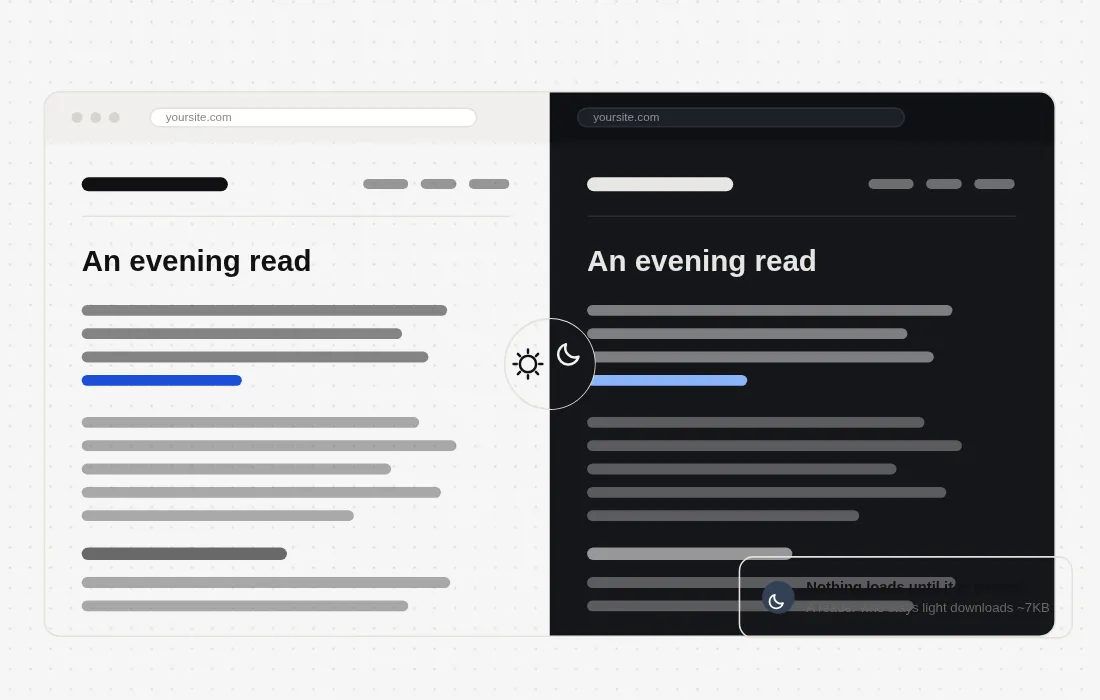
About Dark Mode by Traslatability
A dark mode that respects your site's design
More and more visitors have their phone set to dark mode by default, and a site that ignores that preference turns into a white wall at eleven at night. Dark Mode by Traslatability adds a switch your readers can turn on to see your site as it is, just without the extra glare. The difference from other approaches is that it doesn't apply a generic filter over the page: it reads every stylesheet your theme loads and recolors each element individually, so the result still looks like your site rather than an inverted photo of it.
How it avoids the white flash
One of the common problems with dark mode plugins is that white flash that appears for an instant before the dark theme kicks in. Here, a few kilobytes are sent before the page paints, fixing the colors from the very first frame. A reader who already chose dark mode on a previous visit never sees the white page correcting itself.
The engine only loads when needed
The heavy part of the plugin — the engine that recolors the page in real time — isn't downloaded until someone turns dark mode on. A visitor who never uses it downloads only a few compressed kilobytes, so the cost of the feature falls on those who actually use it, not on every visitor equally.
Eight color schemes, ready to use
The plugin includes eight palettes that have been contrast-checked before release: Ink, Slate, True black, Warm, Midnight and Forest share the same understated visual structure with different tones; Layers draws with rounded panels instead of lines; and Bold is pure black with white text and strong strokes, designed for low vision or very bright environments. Choosing a palette without changing anything already gives you a readable page, but four of the colors in each scheme can be modified, and those changes are kept.
A switch you can place wherever you want
The activation button supports four visual styles and five on-screen positions, with its own text and colors. You can also hide the floating button and place the control yourself: as a navigation menu item, as a block, via shortcode, or as a link within your own template. All these variants share the same text settings, so they never fall out of sync with each other, and each one announces its function to screen readers.
Configurable keyboard shortcut, which automatically disables itself while someone is typing in a field
?dark=1 URL parameter to open any page directly in dark mode, with no white flash
Visible focus ring on all controls for keyboard navigation
Declared compatibility with Multisite installations
Who this plugin makes sense for
It's a good fit for blogs and media outlets that publish content meant to be read at night, for stores and corporate sites that want to offer visual accessibility without redesigning their theme, and for agencies that need to add a consistent dark mode to custom themes without touching the original CSS. It's also useful in projects that already have a defined visual identity and don't want to replace it with a generic dark overlay, but rather adapt it.
| WordPress | 6.0 – 7.1 |
| PHP | 8.0 or higher |
| Multisite | Compatible |
| Languages | English, Spanish, French |
| Current version | 1.2.16 |
Frequently asked questions
Do I need to modify my theme for it to work?
No. The plugin reads the stylesheets already loaded on each page and recolors them automatically, so it works on any theme without prior editing. It may require an occasional manual tweak on specific elements, such as a logo.
Does it affect performance for visitors who don't use dark mode?
The impact is minimal, since the recoloring engine only downloads when someone turns on dark mode for the first time. Those who never use it load just a few extra kilobytes.
Can I use it on development or staging installations?
Yes. Local environments, .test or .local domains, and development or staging subdomains don't consume activations and have no limit.
Does the plugin stop working if I don't renew?
No. The plugin keeps working normally; you only lose access to new versions until you renew.
Version history
-
v
1.6.2 Current 7 Oct 2026
-
v
1.3.18 22 Sep 2026
-
v
1.2.1 15 Sep 2026
Customer reviews
Sign in to leave a review. Only people who have the product can review it.
No reviews for this product yet.
Frequently asked questions
-
GPL (General Public License) is the license under which WordPress and most premium plugins/themes are distributed. It grants you the right to use, modify and redistribute the software in as many projects as you want, with no domain restrictions.
-
Yes. With membership you get automatic updates via our GPLClub Updater plugin (installed on your WP, detects new versions and applies them). With individual purchase, you get one year of manual updates from your account.
-
Depends on the plan. Monthly: 3 domains. Semi-annual: 7. Annual and Lifetime: 15. Individual purchase: 1 domain.
-
GPLClub offers its own support for installation, configuration and compatibility. For direct support from the original author (feature requests, product-specific bugs), a license purchased from the author is required.