Events Widgets Pro
Antivirus scan
Powered by ClamAV
✅ Verified clean
This product file has passed our security filters.
Want to run a fresh ClamAV scan right now? Takes a few seconds and shows scanner version, signature DB and live result.
This can take 5 to 30 seconds.
Clean file Threat detected
No threats detected in this file.
- File
- Size
- Scanned
- ClamAV
- Signature database
⚡ Powered by ClamAV
Scan could not be completed
Report product
If you detected an issue (broken file, malware, inappropriate content, etc.) let us know and we'll review it ASAP.
Sign in to report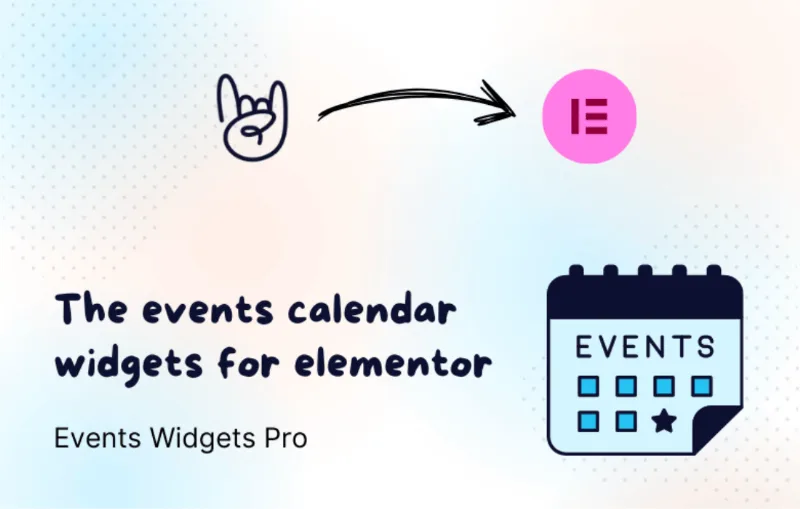
About Events Widgets Pro
Installing The Events Calendar often leaves you with a working agenda that looks like a generic template, while the rest of your Elementor site looks different. Fixing that with CSS or calendar template overrides is slow and fragile. Events Widgets Pro solves exactly that mismatch: it brings the events from The Events Calendar into Elementor widgets that you design by dragging and dropping.
An agenda you write once and show in many places
Anyone who organizes events usually has the same data (date, category, venue) needed on the home page, on the page of a specific series and in a general listing. With this plugin you enter events once in The Events Calendar and display them wherever you want with Elementor widgets, each in its own format.
What Events Widgets Pro does with your events
- Listing layouts: grid, list and carousel, plus an advanced calendar layout.
- Pre-designed templates: ready-made starting points so you don't begin from scratch.
- Category filter and search bar: visitors narrow the listing without leaving the page.
- Featured events: you can highlight the ones that matter most.
- Load more and pagination: useful when the agenda grows and you don't want an endless page.
- Customizable date and time formats and date-based display.
- Responsive design for mobile and desktop.
In addition, with the Events Loop widget and Elementor's loop items support you can design your own event card instead of relying only on the templates.
Three situations, three uses
Venue, theater or space with a weekly program
You want a listing ordered by date, with the upcoming events first, and a visual calendar so the audience can find their bearings.
Workshop or conference organizer with categories
If you run different series (training, talks, meetups), the category filter and search keep visitors from having to scroll through everything.
Agency building Elementor sites for clients
If you already work with Elementor, you don't learn a new system, and the client keeps managing dates from the usual calendar.
It needs Elementor and The Events Calendar active
It doesn't work on its own: it requires Elementor (free version) and The Events Calendar (free version) installed and activated. It is a presentation layer, so it doesn't replace the calendar or handle event creation by itself. If you need to design the individual page of each event, there is another product specifically for that; here we are talking about listings, calendars and loops. If you sell tickets, check in the demo how the data for your case is displayed before deciding.
Frequently asked questions about Events Widgets Pro
Can I use it without Elementor?
No. It is designed as an Elementor add-on and needs it to be active.
Can I filter or sort events?
Yes: by date or by category, and you can sort them in different ways, for example with the soonest first.
Can I create my own card design?
Yes, with Elementor loop items and the Events Loop widget.
Topics
Version history
-
v
3.0.1 Current 10 Mar 2026
Customer reviews
Sign in to leave a review. Only people who have the product can review it.
No reviews for this product yet.
Frequently asked questions
-
GPL (General Public License) is the license under which WordPress and most premium plugins/themes are distributed. It grants you the right to use, modify and redistribute the software in as many projects as you want, with no domain restrictions.
-
Yes. With membership you get automatic updates via our GPLClub Updater plugin (installed on your WP, detects new versions and applies them). With individual purchase, you get one year of manual updates from your account.
-
Depends on the plan. Monthly: 3 domains. Semi-annual: 7. Annual and Lifetime: 15. Individual purchase: 1 domain.
-
GPLClub offers its own support for installation, configuration and compatibility. For direct support from the original author (feature requests, product-specific bugs), a license purchased from the author is required.