Multi Vendor Add-on for BookPro Plugin WordPress
Antivirus scan
Powered by ClamAV
✅ Verified clean
This product file has passed our security filters.
Want to run a fresh ClamAV scan right now? Takes a few seconds and shows scanner version, signature DB and live result.
This can take 5 to 30 seconds.
Clean file Threat detected
No threats detected in this file.
- File
- Size
- Scanned
- ClamAV
- Signature database
⚡ Powered by ClamAV
Scan could not be completed
Report product
If you detected an issue (broken file, malware, inappropriate content, etc.) let us know and we'll review it ASAP.
Sign in to report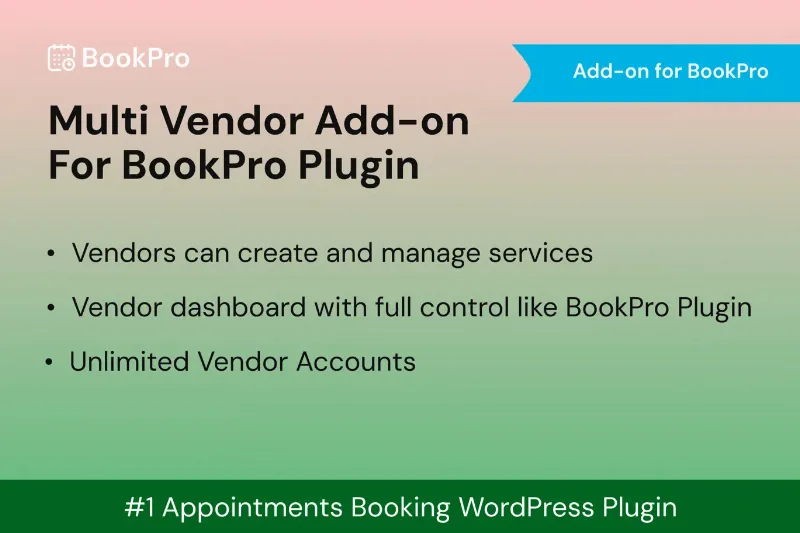
About Multi Vendor Add-on for BookPro Plugin WordPress
When you are the only provider, growing means filling your own calendar
A booking system with a single business has a ceiling: the hours that you and your team can serve. To break it, you have to stop selling only your own time and start pooling other people's. That is where the thing almost nobody anticipates shows up: in a service marketplace the hard part is not the website, it is signing up, reviewing and managing providers without each one messaging you to change a schedule.
Multi Vendor Add-on for BookPro turns a site running BookPro into a marketplace where providers register, you approve them and each one manages their own business. You oversee the platform and earn commission.
Multi Vendor Add-on for BookPro step by step: from application to first payout
Imagine you are building a directory of salons and barbershops in your city. This is what a provider's journey would look like.
Step 1: the provider signs up on their own
You place the registration form on any page using a shortcode. You can add custom fields to it, for example to ask for data specific to your sector, and Google reCAPTCHA protects it against automated sign-ups.
Step 2: you decide who gets in
Each application goes through an approval workflow where you accept or reject it, and there are email notifications for registration and approval. In the admin you have the vendor list and a record for each one. This step matters more than it seems: in a marketplace, your brand is defined by the worst provider you let in.
Step 3: each vendor builds their offer
Once approved, the vendor manages their profile, services, staff and schedules from their own dashboard. You do not have to touch other people's calendars, which is exactly what saves you admin hours.
Step 4: commission and payout
You set the commission you take on each vendor's bookings, and payouts to vendors are processed through the BookPro system.
One clear limit: it does not work on its own. It is an add-on, so you need BookPro installed and activated; without it there is nothing to extend. Before making promises to your providers, check in the demo how the vendor dashboard looks and how the payout split fits the way you work.
Questions to ask before building your marketplace with BookPro
Can I use it without BookPro?
No. It is an extension of the BookPro plugin and requires it to be installed and activated.
Can I review each provider before they sell?
Yes. There is an approval workflow in which you accept or reject each application.
Can I ask for licenses or data specific to my sector?
Yes, the registration form supports custom fields.
Does it work for a multilingual site?
It is translation ready (it includes a .pot file), compatible with WPML and Polylang, and supports right-to-left languages.
Salons, clinics and franchises: who gets the most out of it
It fits wherever many businesses sell their time under a single platform:
- Directories of salons, spas and barbershops with many providers.
- Multi-branch or franchise networks with bookings.
- Clinics and studios that host independent practitioners.
- Agencies that onboard several service providers.
If you have a single location with your own team, it adds nothing: BookPro alone already covers your bookings.
Topics
Version history
-
v
1.0.0 Current 22 Dec 2025
Customer reviews
Sign in to leave a review. Only people who have the product can review it.
No reviews for this product yet.
Frequently asked questions
-
GPL (General Public License) is the license under which WordPress and most premium plugins/themes are distributed. It grants you the right to use, modify and redistribute the software in as many projects as you want, with no domain restrictions.
-
Yes. With membership you get automatic updates via our GPLClub Updater plugin (installed on your WP, detects new versions and applies them). With individual purchase, you get one year of manual updates from your account.
-
Depends on the plan. Monthly: 3 domains. Semi-annual: 7. Annual and Lifetime: 15. Individual purchase: 1 domain.
-
GPLClub offers its own support for installation, configuration and compatibility. For direct support from the original author (feature requests, product-specific bugs), a license purchased from the author is required.