OceanWP Sticky Header
Antivirus scan
Powered by ClamAV
✅ Verified clean
This product file has passed our security filters.
Want to run a fresh ClamAV scan right now? Takes a few seconds and shows scanner version, signature DB and live result.
This can take 5 to 30 seconds.
Clean file Threat detected
No threats detected in this file.
- File
- Size
- Scanned
- ClamAV
- Signature database
⚡ Powered by ClamAV
Scan could not be completed
Report product
If you detected an issue (broken file, malware, inappropriate content, etc.) let us know and we'll review it ASAP.
Sign in to report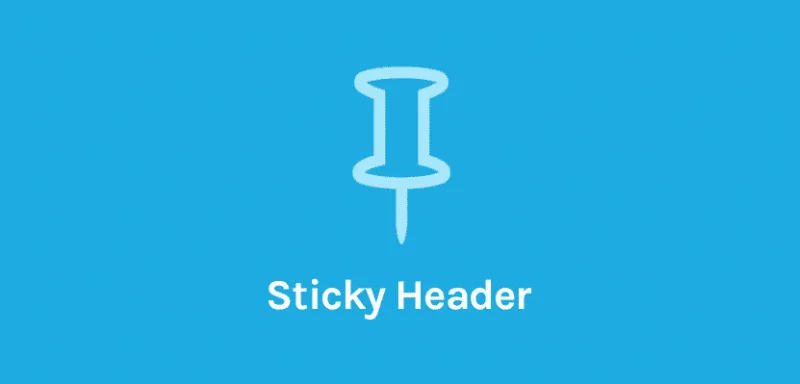
About OceanWP Sticky Header
A fixed header that covers half the phone screen
Pinning the menu to the top sounds simple until the desktop header, with its big logo and top bar, sticks there and takes up half the screen while the visitor is trying to read. If the menu doesn't follow the scroll, people go back up to look for it. If it follows without care, it covers the content.
Whoever installs this usually has long pages (services, catalog, a landing page) and a header designed to shine on the home page, not to live glued to the screen. The real decision isn't pinning it, but how much of it deserves to stay. OceanWP Sticky Header revolves around that: it lets you shrink it, change it or pin only part of the header.
OceanWP Sticky Header step by step: from tall header to discreet bar
Imagine a tall header, with a big logo and a top bar. This is the walkthrough:
- Choose the style. Shrink makes the header smaller as you scroll down; Fixed leaves it as it is. If the header is already compact, Fixed is enough. If it's tall, Shrink keeps it from eating the screen.
- Set the heights. With Shrink you enter the header height during scroll. You can also add a different logo for that moment, with its own height. If your logo is very small, the shrink has a default maximum height: raise it under Header > Logo in the customizer.
- Choose the effect. There are two animation effects for how the fixed header appears, including Slide and Show Up/Hide Down.
- Adjust the look. Opacity, background and color during scroll, plus removing the shadow or adding top and bottom padding.
- Decide what else gets pinned. The top bar and the mobile version are separate options.
If your custom header is huge, you can manually pin just one element, for example the navigation, and let the rest scroll away. It is designed for the Custom Header style.
It is an extension for the OceanWP theme: without that theme it makes no sense, and its settings live in the OceanWP customizer.
Common questions before pinning your header
Can I turn it off on a specific page?
Yes. In the OceanWP settings metabox there is a Sticky Header tab with fields to disable, per page or post, both the fixed top bar and the fixed header.
Does it work on mobile?
There is an option to add the fixed behavior on mobile. Even so, test it on a real phone: that is where a tall header gets in the way the most.
Can I use a different logo when scrolling?
Yes, both a general one and a different one per page or post, with a retina version. The field accepts SVG logos.
Can I change the shrunk logo height on just one page?
Yes: the Sticky tab allows a different shrunk logo height per page or post.
A different header on the home page and on the blog
The per-page options go beyond switching the effect off. You can set your own sticky logo, adjust its height and change the color of the main menu items on a specific page. It is useful when the background of that page clashes with the color you use on the rest of the site.
Version history
-
v
2.2.5 Current 5 Sep 2026
-
v
2.2.4 21 May 2026
-
v
2.2.2 18 Sep 2025
Customer reviews
Sign in to leave a review. Only people who have the product can review it.
No reviews for this product yet.
Frequently asked questions
-
GPL (General Public License) is the license under which WordPress and most premium plugins/themes are distributed. It grants you the right to use, modify and redistribute the software in as many projects as you want, with no domain restrictions.
-
Yes. With membership you get automatic updates via our GPLClub Updater plugin (installed on your WP, detects new versions and applies them). With individual purchase, you get one year of manual updates from your account.
-
Depends on the plan. Monthly: 3 domains. Semi-annual: 7. Annual and Lifetime: 15. Individual purchase: 1 domain.
-
GPLClub offers its own support for installation, configuration and compatibility. For direct support from the original author (feature requests, product-specific bugs), a license purchased from the author is required.