QSM - URL Parameters
Antivirus scan
Powered by ClamAV
✅ Verified clean
This product file has passed our security filters.
Want to run a fresh ClamAV scan right now? Takes a few seconds and shows scanner version, signature DB and live result.
This can take 5 to 30 seconds.
Clean file Threat detected
No threats detected in this file.
- File
- Size
- Scanned
- ClamAV
- Signature database
⚡ Powered by ClamAV
Scan could not be completed
Report product
If you detected an issue (broken file, malware, inappropriate content, etc.) let us know and we'll review it ASAP.
Sign in to reportNewer version out, or a problem?
About QSM - URL Parameters
Knowing which campaign each answer comes from
When you need to track users through various funnels, you often have to send data between different systems.
With this QSM add-on you can attach small amounts of data to the results of your quizzes and surveys and see them later when reviewing each response. It helps measure how different marketing campaigns perform, compare the behavior of your audience segments, or evaluate the performance of each landing page by saving its URL next to the result.
How the data gets into QSM - URL Parameters
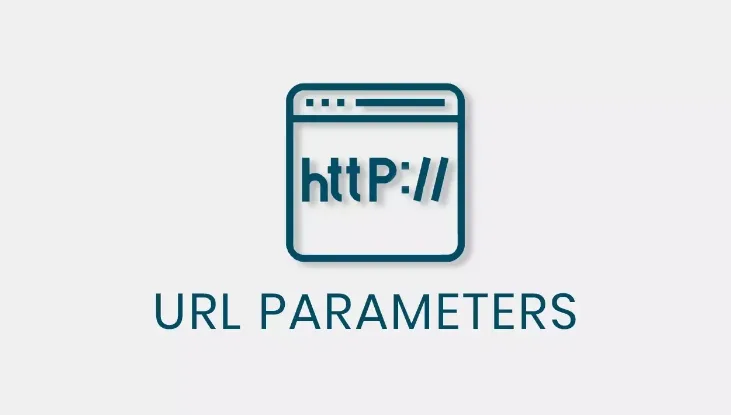
URL parameters are the data that comes after the question mark in an address. Each one has a key and a value joined by an equal sign, and when there are several they are separated by an ampersand. With them you can:
- Link the result to a specific campaign.
- Show those values in the email and on the results page using the %URL_PARAMETER_X% variable.
- Send the user to another page at the end and pass the parameters in that redirect URL.
A typical case is linking a survey to a subscriber in your CRM: when you pass their ID to the quiz, each result is tied to that person and visible when you review the answers.
Use it if you already need to match answers with your subscribers
It makes sense if your quizzes are part of a funnel and you want each answer to arrive with its origin data, whether that's a campaign, a page or a contact identifier. With that data you can compare conversion rates between parts of your funnel or connect answers from users who are in different systems.
It requires Quiz And Survey Master installed and active, since this add-on extends that plugin. Before building your links, decide which data you want to arrive, because each one needs its own key and value.
Frequently asked questions about QSM - URL Parameters
Do I need anything else for it to work?
Yes, Quiz And Survey Master. This add-on extends that plugin, so it has to be installed and active.
Where do I see the data that arrives through the URL?
It appears when you review the quiz or survey results. If you want it to show up in the email or on the results page too, use the %URL_PARAMETER_X% variable.
Can I pass several parameters at once?
Yes. Each one has its own key and value, and they are separated by an ampersand (&) within the same address.
Can I pass the data on to the next page?
Yes. There is an option to include the parameters in the redirect URL of the result, so the data also travels to the page you send the user to.
Topics
Version history
-
v
1.0.4 Current 16 May 2024
Customer reviews
Sign in to leave a review. Only people who have the product can review it.
No reviews for this product yet.
Frequently asked questions
-
GPL (General Public License) is the license under which WordPress and most premium plugins/themes are distributed. It grants you the right to use, modify and redistribute the software in as many projects as you want, with no domain restrictions.
-
Yes. With membership you get automatic updates via our GPLClub Updater plugin (installed on your WP, detects new versions and applies them). With individual purchase, you get one year of manual updates from your account.
-
Depends on the plan. Monthly: 3 domains. Semi-annual: 7. Annual and Lifetime: 15. Individual purchase: 1 domain.
-
GPLClub offers its own support for installation, configuration and compatibility. For direct support from the original author (feature requests, product-specific bugs), a license purchased from the author is required.