Social Sharing Panel for Calendarize it!
Antivirus scan
Powered by ClamAV
✅ Verified clean
This product file has passed our security filters.
Want to run a fresh ClamAV scan right now? Takes a few seconds and shows scanner version, signature DB and live result.
This can take 5 to 30 seconds.
Clean file Threat detected
No threats detected in this file.
- File
- Size
- Scanned
- ClamAV
- Signature database
⚡ Powered by ClamAV
Scan could not be completed
Report product
If you detected an issue (broken file, malware, inappropriate content, etc.) let us know and we'll review it ASAP.
Sign in to report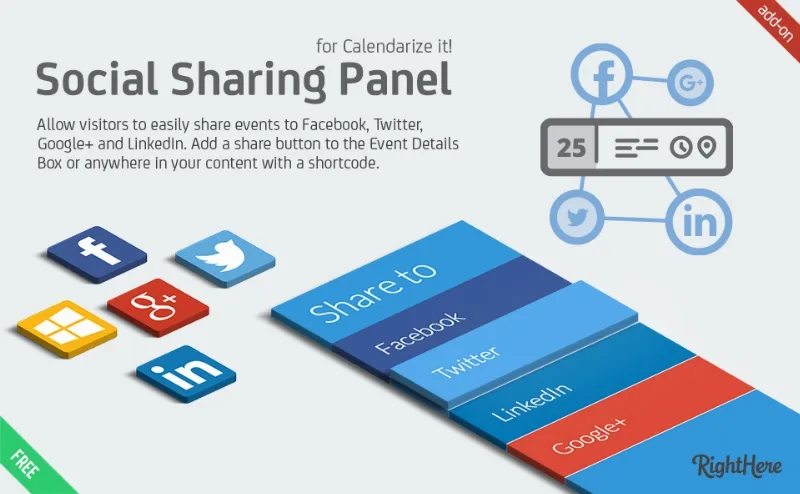
About Social Sharing Panel for Calendarize it!
An event nobody forwards fills up only halfway
You publish the concert, the workshop or the open day in your calendar, and attendance depends on something you don't control: whether the person who sees it shows it to someone else. If to do that they have to copy the address, open another tab and type the date from memory, most won't. Whoever organizes events lives on word of mouth, and word of mouth needs a very short gesture.
Social Sharing Panel for Calendarize it! adds a "Share" button to the event so sharing takes one click. It is an add-on for Calendarize it!: without that plugin it has nothing to attach to.
What the Social Sharing Panel button shares and where it falls short
The button appears in the event details box and opens the options for sharing it on social networks. The details that matter:
- Networks: Facebook, Twitter and LinkedIn. The add-on also names Google+, but that network no longer exists, so don't count on it.
- Recurring events: the dates of a repeating event are shared correctly, which is key if your calendar has weekly or monthly appointments.
- Twitter: only the title and the event address are shared. Don't expect an elaborate message.
- Placement: besides the event button, there is a shortcode, [social_sharing], to show the "Share me" button elsewhere on a page.
- Look: it is styled with the Visual CSS Editor in Calendarize it!, where you can change the font and color of the different elements.
It doesn't publish for you either. The visitor decides to share.
Questions from people about to install it
Does it work without Calendarize it!?
No. It is an add-on for Calendarize it!.
Will the correct date of a repeating event be shared?
Yes, the add-on is designed so that recurring event dates are shared properly. Still, test it with one of your repeating events before publishing.
Can I adapt it to my site's design?
Yes, in the font and color of the elements, through the Visual CSS Editor in Calendarize it!. Don't expect a button builder with custom icons.
The button starts as OFF and the guide is in the panel itself
After installing it, you need to switch the button from OFF to ON. Then the Social Sharing Panel menu appears, where you enable the feature and adjust its options. If you get lost, open the help tab in the upper right corner of the dashboard: the detailed guide is there.
Also check how the button looks inside the event details box in your theme, and share a test event on each network to see which text and image are shown.
Topics
Version history
-
v
1.0.7.75330 Current 12 May 2024
Customer reviews
Sign in to leave a review. Only people who have the product can review it.
No reviews for this product yet.
Frequently asked questions
-
GPL (General Public License) is the license under which WordPress and most premium plugins/themes are distributed. It grants you the right to use, modify and redistribute the software in as many projects as you want, with no domain restrictions.
-
Yes. With membership you get automatic updates via our GPLClub Updater plugin (installed on your WP, detects new versions and applies them). With individual purchase, you get one year of manual updates from your account.
-
Depends on the plan. Monthly: 3 domains. Semi-annual: 7. Annual and Lifetime: 15. Individual purchase: 1 domain.
-
GPLClub offers its own support for installation, configuration and compatibility. For direct support from the original author (feature requests, product-specific bugs), a license purchased from the author is required.