Subaccounts & Multi-User Accounts
Antivirus scan
Powered by ClamAV
✅ Verified clean
This product file has passed our security filters.
Want to run a fresh ClamAV scan right now? Takes a few seconds and shows scanner version, signature DB and live result.
This can take 5 to 30 seconds.
Clean file Threat detected
No threats detected in this file.
- File
- Size
- Scanned
- ClamAV
- Signature database
⚡ Powered by ClamAV
Scan could not be completed
Report product
If you detected an issue (broken file, malware, inappropriate content, etc.) let us know and we'll review it ASAP.
Sign in to reportNewer version out, or a problem?
About Subaccounts & Multi-User Accounts
Business purchases that don't pass through just one person
In a store that sells to companies, the person who pays is rarely the one who chooses the product. The purchasing manager, the head of each branch and the person who manages inventory often need to get into the same account, each with a different level of access: one wants to see prices, another places orders and another only needs to save lists for someone to confirm. A shared password solves the login, but it doesn't show who ordered what.
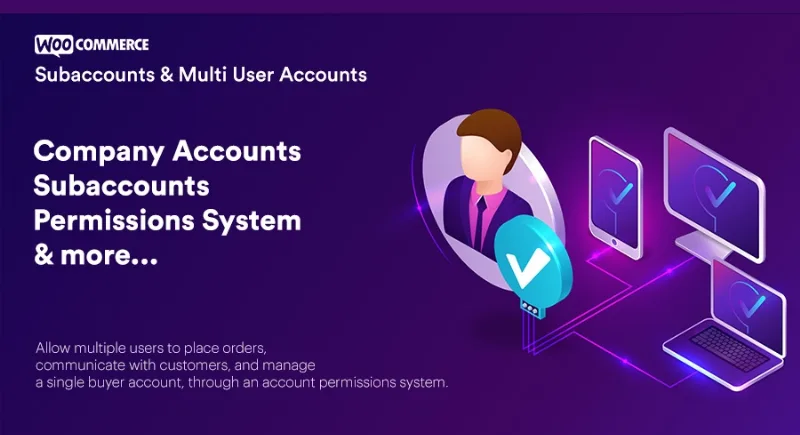
Subaccounts & Multi-User Accounts is designed for that split. It lets several users access a company's account under one main account, with configurable permissions for each subaccount. It suits companies with employee accounts, stores with multiple branches or locations, and businesses where several people decide on inventory or purchases.
What each subaccount can do in Subaccounts & Multi-User Accounts
The main account creates and manages the subaccounts, and for each one it can store the name, title and phone number. It then decides what each subaccount can do: place orders, view the account's orders, create shopping lists or view the account's lists. This way, a branch manager can check prices and prepare a list without buying on their own account.
- See which user placed each order.
- See which user created each shopping list.
Subaccounts without checkout permission
A subaccount without permission to pay can save its cart as a shopping list, and the main account is the one that buys it afterwards.
As a limit, that subaccount cannot complete the purchase itself, so each of its lists depends on the main account.
Frequently asked questions about Subaccounts & Multi-User Accounts
Can a subaccount place an order?
It depends on its permissions. If it has permission to place orders, yes. If not, it can save its cart as a shopping list for the main account to buy.
Who decides what each subaccount can do?
The main account. For each subaccount it sets whether it can place orders, view the account's orders, create shopping lists or view the account's lists.
Can the main account see who placed each order?
Yes. It can see which user placed each order and which user created each shopping list.
Does it work for stores with several branches?
Yes, it is one of the cases the extension is designed for: people from each branch log in as subaccounts of the same main account.
Business clients with several people behind one account
It is designed for business customers with several people behind the same account. It needs WooCommerce installed and active, since it is an extension for that platform.
It is also part of the B2B & Wholesale Suite, which includes a wholesale bulk order form, wholesale prices, invoice payment, shopping lists and rules for quantity steps and minimum orders, among other features. If you are looking for a complete wholesale solution, that suite may interest you; if what you need is to share access among your business clients, this extension focuses on that.
Before installing it, decide which people in each company can place orders and which should only prepare lists, because that determines how you split the permissions.
Version history
-
v
1.2.5 Current 8 Apr 2024
Customer reviews
Sign in to leave a review. Only people who have the product can review it.
No reviews for this product yet.
Frequently asked questions
-
GPL (General Public License) is the license under which WordPress and most premium plugins/themes are distributed. It grants you the right to use, modify and redistribute the software in as many projects as you want, with no domain restrictions.
-
Yes. With membership you get automatic updates via our GPLClub Updater plugin (installed on your WP, detects new versions and applies them). With individual purchase, you get one year of manual updates from your account.
-
Depends on the plan. Monthly: 3 domains. Semi-annual: 7. Annual and Lifetime: 15. Individual purchase: 1 domain.
-
GPLClub offers its own support for installation, configuration and compatibility. For direct support from the original author (feature requests, product-specific bugs), a license purchased from the author is required.