TBI Bank Credit Calculator - WooCommerce
Antivirus scan
Powered by ClamAV
✅ Verified clean
This product file has passed our security filters.
Want to run a fresh ClamAV scan right now? Takes a few seconds and shows scanner version, signature DB and live result.
This can take 5 to 30 seconds.
Clean file Threat detected
No threats detected in this file.
- File
- Size
- Scanned
- ClamAV
- Signature database
⚡ Powered by ClamAV
Scan could not be completed
Report product
If you detected an issue (broken file, malware, inappropriate content, etc.) let us know and we'll review it ASAP.
Sign in to report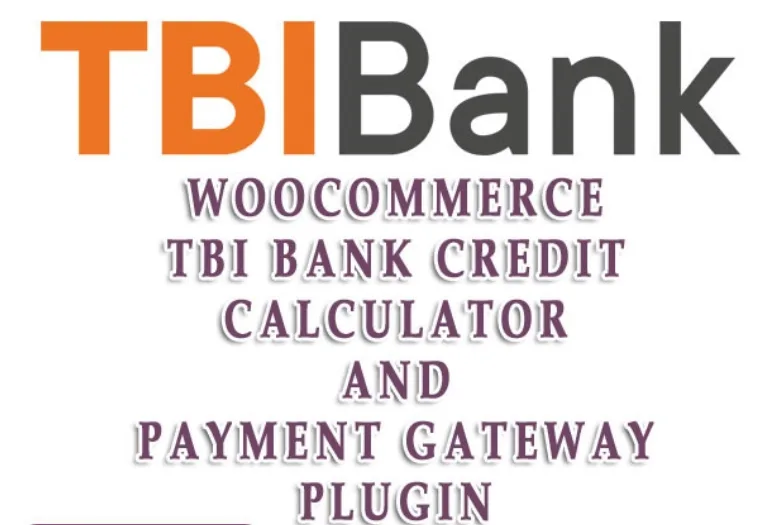
About TBI Bank Credit Calculator - WooCommerce
The last word on the installment belongs to the bank, not your store
If the most expensive products in your Bulgarian store get visits and few orders, offering installments looks like the logical step. Adding the installment next to the price looks like a design change, but what you place there is a figure that depends on someone else.
If your terms, your monthly cost and your minimum amount do not match what was agreed, the store shows an installment that may not match the bank figure. That is why this plugin is set up with the contract at hand, not with whichever settings look best.
TBI Bank Credit Calculator, by MrejaNet, adds a credit calculator and a TBI Bank payment method to WooCommerce for product credit in Bulgaria. It does not grant the credit: TBI Bank offers and approves it on its own terms, and the plugin integrates that process with the store.
What appears in the store
- Calculator on the product page and at checkout, active from the minimum price you set.
- Estimated installments close to the moment of the purchase decision.
- Your own text under the price of the product.
- TBI Bank as a payment method in WooCommerce, with a title, description and instructions for the customer.
- TBI Bank documents, with links to the information the bank gives you.
- Order data handed over to the credit process.
The settings that come from your contract
Several options are not store preferences, and it pays to have them agreed before opening the settings screen:
- Minimum price: the amount from which credit becomes active on the product page and at checkout.
- Monthly cost: a parameter agreed with the lender.
- Credit terms: you tick the available terms, in months.
- Insurance: you state whether the credit is insured and against which risks.
- Checkout fields: you choose which ones the customer must fill in to apply for credit.
What stays in the bank's hands
The installments shown are estimates and the credit decision belongs to TBI Bank. Whether an order can be paid this way depends on the contract rules, the amount, the products and the checkout setup. That is why specific limits are confirmed in advance.
It is worth saying so in the store itself. The text under the price and the customer instructions are good places to make clear that the installment is an estimate and that the bank still has to approve it.
Contract, bank data and store setup
You need an active contract with TBI Bank and valid technical data from the bank, plus WooCommerce. You also have to check which products and amounts qualify and how your customized checkout behaves.
The path is this:
- Upload the plugin and activate it in the plugins section.
- In the WooCommerce settings, open the SetUp link on the TBI Bank Credit row.
- Tick the payment method activation and write its texts.
- Fill in the minimum price, monthly cost, terms and insurance as agreed.
- Add the document links and choose the checkout fields.
- Run a test in a staging environment and coordinate production activation with TBI Bank.
If you have no contract with this bank
The plugin needs an active agreement with TBI Bank. Without one, there are two ways to split payment from within the store, and both differ from a bank credit.
Deposits & Partial Payments for WooCommerce Pro splits the price with deposits and payment plans. Credit checks are not among its features, and the risk of non-payment stays with you.
SUMO WooCommerce Payment Plans offers deposits, down payments and fixed or variable installments, with optional interest. Payments can be manual or automatic with Stripe or PayPal.
Questions before offering credit
Does the plugin grant the credit?
No. TBI Bank offers and approves it; the plugin integrates it with WooCommerce.
Does it work outside Bulgaria?
It is designed for TBI Bank credit products in Bulgaria.
Is the installment shown final?
No. It is an estimate, and the final decision rests with the bank.
Can I limit it to the most expensive products?
The minimum price field sets the amount from which it becomes active on the product page and at checkout.
Can I ask for only some details in the application?
Yes. In the settings you choose which checkout fields the customer must complete.
Can I go live without telling TBI Bank?
Production activation is coordinated with the bank, after testing in staging.
Topics
Version history
-
v
1.0.3 Current 14 May 2024
Customer reviews
Sign in to leave a review. Only people who have the product can review it.
No reviews for this product yet.
Frequently asked questions
-
GPL (General Public License) is the license under which WordPress and most premium plugins/themes are distributed. It grants you the right to use, modify and redistribute the software in as many projects as you want, with no domain restrictions.
-
Yes. With membership you get automatic updates via our GPLClub Updater plugin (installed on your WP, detects new versions and applies them). With individual purchase, you get one year of manual updates from your account.
-
Depends on the plan. Monthly: 3 domains. Semi-annual: 7. Annual and Lifetime: 15. Individual purchase: 1 domain.
-
GPLClub offers its own support for installation, configuration and compatibility. For direct support from the original author (feature requests, product-specific bugs), a license purchased from the author is required.