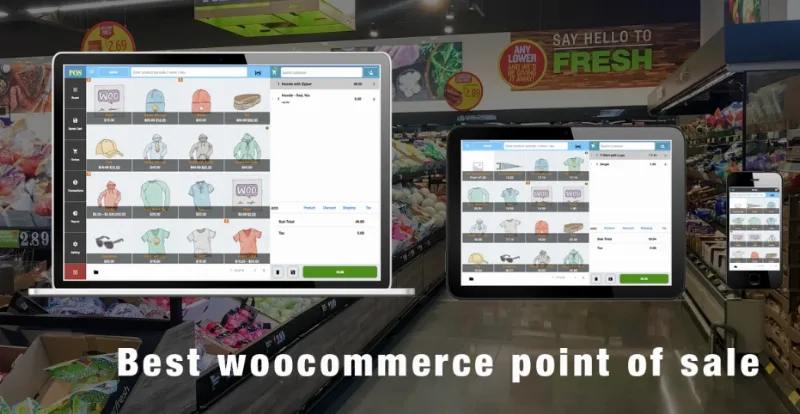
Woocommerce + openpos + Material Management
Antivirus scan
Powered by ClamAV
✅ Verified clean
This product file has passed our security filters.
Want to run a fresh ClamAV scan right now? Takes a few seconds and shows scanner version, signature DB and live result.
This can take 5 to 30 seconds.
Clean file Threat detected
No threats detected in this file.
- File
- Size
- Scanned
- ClamAV
- Signature database
⚡ Powered by ClamAV
Scan could not be completed
Report product
If you detected an issue (broken file, malware, inappropriate content, etc.) let us know and we'll review it ASAP.
Sign in to reportNewer version out, or a problem?
About Woocommerce + openpos + Material Management
Material Management for OpenPOS, from the display case to the pantry
When a product is sold in OpenPOS, the add-on checks its assigned materials and deducts the stated quantity from each one.
A sold sandwich turns into bread and butter used up
Picture a café that sells sandwiches and coffee from OpenPOS. These are the steps:
- You mark as material the products that are ingredients, such as bread, butter or ground coffee, from the product edit screen.
- On the sandwich's product page, you open the Ingredient tab and choose the materials marked earlier.
- You enter the quantity of each material and save the product.
- When a customer buys the sandwich, the add-on checks its ingredients and deducts the assigned quantity from each material.
This way the material quantities go down with every product sold.
An add-on that needs OpenPOS to work
Material Management is an add-on for OpenPOS, so OpenPOS must be installed and active to mark materials and assign them to products.
Every sale deducts from materials what the product uses
When a product is sold, the add-on deducts the assigned quantity from its materials. What you assign in the Ingredient tab is what gets subtracted on each sale, so it is worth making the quantities match what one unit really uses. A product with no materials assigned deducts nothing from the pantry.
Questions about Material Management for OpenPOS
What do I need to do before assigning ingredients?
Mark as material the products you will use as ingredients. Only marked products appear to choose in the Ingredient tab.
Can I set how much of a material each product uses?
Yes. When you assign a material to a product, you enter the quantity, and that quantity is what gets deducted on each sale.
What happens with products that have no ingredients?
As no materials are assigned to them, the add-on deducts nothing for them.
Is it useful if I sell products that are not made from materials?
Only if what you sell is made from assigned materials: the add-on deducts what each sold product has assigned.
Topics
Version history
-
v
1.2 Current 15 May 2024
Customer reviews
Sign in to leave a review. Only people who have the product can review it.
No reviews for this product yet.
Frequently asked questions
-
GPL (General Public License) is the license under which WordPress and most premium plugins/themes are distributed. It grants you the right to use, modify and redistribute the software in as many projects as you want, with no domain restrictions.
-
Yes. With membership you get automatic updates via our GPLClub Updater plugin (installed on your WP, detects new versions and applies them). With individual purchase, you get one year of manual updates from your account.
-
Depends on the plan. Monthly: 3 domains. Semi-annual: 7. Annual and Lifetime: 15. Individual purchase: 1 domain.
-
GPLClub offers its own support for installation, configuration and compatibility. For direct support from the original author (feature requests, product-specific bugs), a license purchased from the author is required.