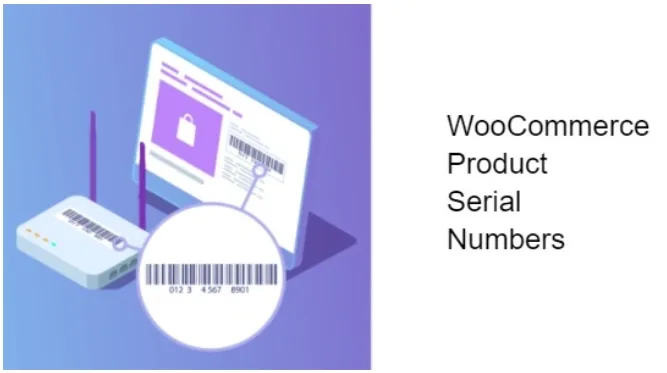
WooCommerce Product Serial Numbers
Antivirus scan
Powered by ClamAV
✅ Verified clean
This product file has passed our security filters.
Want to run a fresh ClamAV scan right now? Takes a few seconds and shows scanner version, signature DB and live result.
This can take 5 to 30 seconds.
Clean file Threat detected
No threats detected in this file.
- File
- Size
- Scanned
- ClamAV
- Signature database
⚡ Powered by ClamAV
Scan could not be completed
Report product
If you detected an issue (broken file, malware, inappropriate content, etc.) let us know and we'll review it ASAP.
Sign in to reportNewer version out, or a problem?
About WooCommerce Product Serial Numbers
Shops that sell units one by one and need to know which supplier each one came from
When a customer returns a product, the question is not just which model they bought, but which specific unit they received and which supplier shipment it came from. If you sell equipment with its own serial number and keep that traceability in a spreadsheet or in your head, answering takes longer than you would like.
WooCommerce Product Serial Numbers is designed for shops that register each unit and want to track their inventory by serial number or product identification, just as a warehouse would.
Supplier shipments: who gave you each unit and when
A supplier shipment records the products you received from your supplier along with details such as the supplier name, the order date and any other information you need. Each unit in the shipment carries its own serial number, so you always know when and from whom you received what you sell to each customer.
If your business sells computers, for example, the shipment holds each machine with its serial number, the date you ordered them and the supplier's details.
Serial numbers linked to your products, with status and comments
Serial numbers are attached to the products you sell and can be created from a supplier shipment or directly from the item, without a prior shipment. Each one can be marked as in stock, sold, RMA or DOA, and you can leave comments on each unit to keep the warehouse and product data better organized.
A button on the order screen links the serial number to that order line, so you always know which unit was sold and to which customer. The label of each serial number is set per WooCommerce product and, by default, uses the product title.
Settings so that stock reflects the real units
You can have the product stock increase automatically when you add a new serial number, search by SKU on the serial numbers screen, and import or export your units as CSV. Product variations can also have their own serial numbers.
What it needs to work and what is still in beta
It is an add-on for WooCommerce, so it needs WooCommerce active. Its compatibility with HPOS is in beta.
Frequently asked questions about WooCommerce Product Serial Numbers
Can I find out which serial number each customer bought?
Yes. The button on the order screen links the serial number to that line, so you always know which unit was sold and in which order.
Can I record which supplier each unit came from?
Yes, through supplier shipments, which store the supplier name, the order date and any other details you add.
Do I need a supplier shipment to create serial numbers?
No. They can be created directly from the item, without a prior shipment.
Can serial numbers be shown in the store?
There is an option to show them in the store, and another to hide them on the order screen.
Topics
Version history
-
v
1.2.0 Current 16 May 2024
Customer reviews
Sign in to leave a review. Only people who have the product can review it.
No reviews for this product yet.
Frequently asked questions
-
GPL (General Public License) is the license under which WordPress and most premium plugins/themes are distributed. It grants you the right to use, modify and redistribute the software in as many projects as you want, with no domain restrictions.
-
Yes. With membership you get automatic updates via our GPLClub Updater plugin (installed on your WP, detects new versions and applies them). With individual purchase, you get one year of manual updates from your account.
-
Depends on the plan. Monthly: 3 domains. Semi-annual: 7. Annual and Lifetime: 15. Individual purchase: 1 domain.
-
GPLClub offers its own support for installation, configuration and compatibility. For direct support from the original author (feature requests, product-specific bugs), a license purchased from the author is required.