WooCommerce Product Tabs
Antivirus scan
Powered by ClamAV
✅ Verified clean
This product file has passed our security filters.
Want to run a fresh ClamAV scan right now? Takes a few seconds and shows scanner version, signature DB and live result.
This can take 5 to 30 seconds.
Clean file Threat detected
No threats detected in this file.
- File
- Size
- Scanned
- ClamAV
- Signature database
⚡ Powered by ClamAV
Scan could not be completed
Report product
If you detected an issue (broken file, malware, inappropriate content, etc.) let us know and we'll review it ASAP.
Sign in to report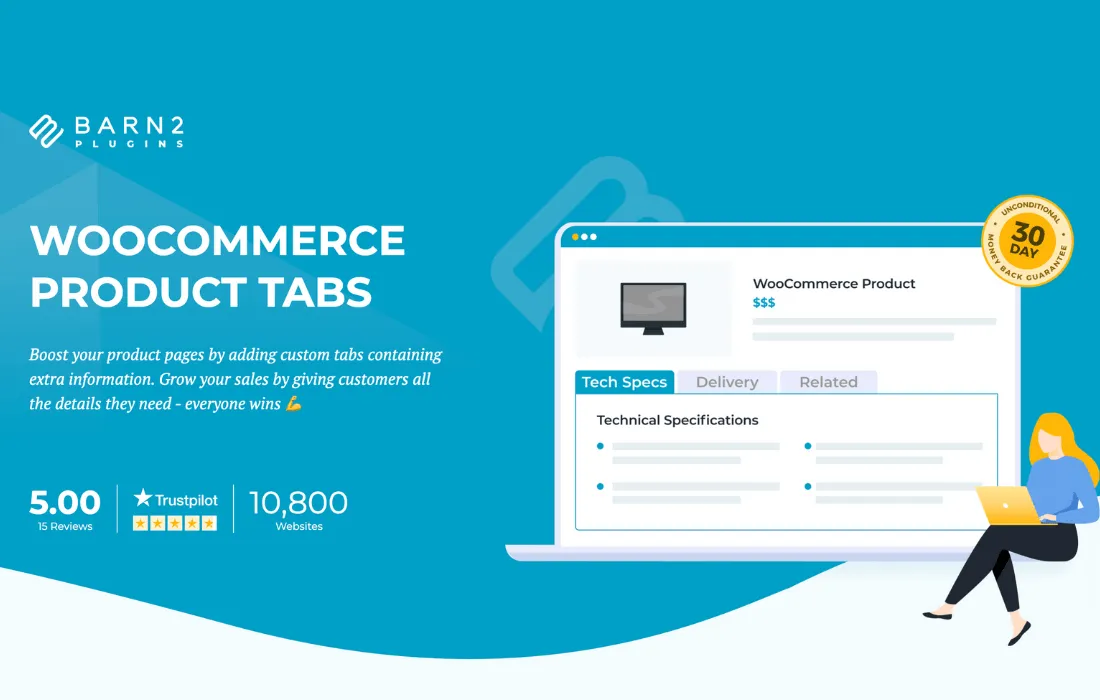
About WooCommerce Product Tabs
Custom Tabs for WooCommerce Product Pages
By default, WooCommerce limits each product to three fixed tabs: description, additional information and reviews. When you need to display a size guide, a technical spec sheet, usage instructions, product-specific shipping policies or FAQs, that structure falls short. WooCommerce Product Tabs solves this by letting you create, edit and organize additional tabs directly from the product edit screen, with no coding and no need to rely on a developer.
What This Plugin Brings to a WooCommerce Store
The plugin adds an interface to the product editor where you can create as many tabs as needed, each with a title and content editable through the WordPress editor (allowing text, images, lists or even shortcodes). Each tab can be linked to specific products, assigned to categories, or applied globally across the entire catalog, depending on what's needed.
- Per-product content: each product page can have its own unique tabs, useful for technical specifications that vary from item to item.
- Reusable content: you can define a tab (for example, "Shipping and Returns") and apply it to an entire category or the whole store, avoiding the need to repeat the same text on every product.
- Tab ordering: created tabs can be reordered and combined with WooCommerce's native tabs, controlling what appears first in the customer's view.
- Familiar editor: since it uses the same editor as the rest of the WordPress content, there's no new tool to learn for formatting text.
Common Use Cases
This type of plugin is especially well suited to stores selling products with extensive technical information: electronics, fashion (sizes and materials), food (ingredients and allergens) or digital products (requirements or licenses). It's also useful for stores that want to show the same warranty or shipping policy across all products without manually duplicating content on each page.
For large catalogs, the ability to assign tabs by category significantly cuts down on maintenance work: you only need to update the tab once for the change to show up on all associated products.
Integration with Your Theme and Store
Since it extends WooCommerce's native tabs functionality, the visual appearance (typography, colors, spacing) inherits the styles defined by the active theme, so it generally doesn't require any additional design work to blend visually with the rest of the store.
Frequently Asked Questions
Can I keep the original WooCommerce tabs alongside the new ones?
Yes, tabs created with the plugin are added alongside the description, additional information and reviews tabs; they don't replace them, although they can be reordered.
Can the same tab be applied to multiple products at once?
Yes, you can assign a tab to an entire category or to the whole catalog so you don't have to repeat the content manually on each product page.
Do I need coding knowledge to use it?
No. Tabs are created and edited from the product edit screen, using the same visual editor you use for pages and posts.
Does it support images or shortcodes inside the tabs?
Yes, since it uses the standard WordPress editor, you can insert images, links, lists and shortcodes compatible with your store.
Version history
-
v
2.1.8 Current 2 Nov 2026
Customer reviews
Sign in to leave a review. Only people who have the product can review it.
No reviews for this product yet.
Frequently asked questions
-
GPL (General Public License) is the license under which WordPress and most premium plugins/themes are distributed. It grants you the right to use, modify and redistribute the software in as many projects as you want, with no domain restrictions.
-
Yes. With membership you get automatic updates via our GPLClub Updater plugin (installed on your WP, detects new versions and applies them). With individual purchase, you get one year of manual updates from your account.
-
Depends on the plan. Monthly: 3 domains. Semi-annual: 7. Annual and Lifetime: 15. Individual purchase: 1 domain.
-
GPLClub offers its own support for installation, configuration and compatibility. For direct support from the original author (feature requests, product-specific bugs), a license purchased from the author is required.