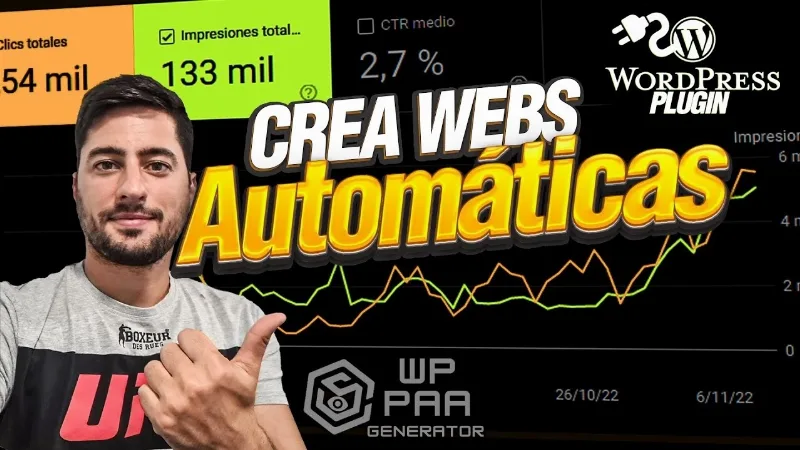
WP PAA Generator
Antivirus scan
Powered by ClamAV
✅ Verified clean
This product file has passed our security filters.
Want to run a fresh ClamAV scan right now? Takes a few seconds and shows scanner version, signature DB and live result.
This can take 5 to 30 seconds.
Clean file Threat detected
No threats detected in this file.
- File
- Size
- Scanned
- ClamAV
- Signature database
⚡ Powered by ClamAV
Scan could not be completed
Report product
If you detected an issue (broken file, malware, inappropriate content, etc.) let us know and we'll review it ASAP.
Sign in to reportNewer version out, or a problem?
About WP PAA Generator
For the builder of informational niches
Anyone who wants to launch an informational site on a specific topic usually has the same problem: a list of questions people search for and little time to write each article. WP PAA Generator starts from there. You give it the list of titles and the plugin builds the articles from content gathered from other sources.
It is designed mainly for informational niches with questions like those in Google’s “People also ask” box, although you can also load your own list of titles.
There are technical limits to know. It needs WP Cron enabled and the ionCube PHP extension, and it does not work or causes problems on the Hostinger and Sered hosts. If your host doesn’t have ionCube enabled, it may be enough to turn it on from the control panel. If it doesn’t appear, you will need to ask your host.
How WP PAA Generator builds the texts: PAA, scraping and translation combined
WP PAA Generator combines three technologies. First it collects PAA questions or long tail keyword lists. Then it scrapes random content related to those keywords and, finally, applies automatic translation between several languages. The goal is for the final text not to be a direct translation of a single source.
- Chained translation: the text can pass through up to four languages, chosen from a list of more than a hundred.
- Spintax: with the Reescritor API you add an extra layer of rewriting.
- Cleaning filters: they clean up, shape and restructure the imported and generated content so it reads better.
AI, images and videos: what is optional and which accounts you need
OpenAI’s artificial intelligence is optional and works with your own account. With it, the plugin can bold the important keywords and extract keywords that can serve as categories.
For images, WP PAA Generator embeds pictures from image banks with free APIs, such as Pixabay, Pexels or Unsplash, which need your own account. It can also automatically embed YouTube videos in the articles. If Google blocks the requests, ValueSerp helps make them more reliable and faster, and it is also optional.
To prepare the titles, the free SEO minion extension helps generate the CSV, and paid tools such as Ahrefs or Semrush can also provide long tail keyword lists.
Reviewing the texts before you trust them
Results change depending on the topic you work on, and the product is still evolving. An automatic site does not maintain itself: the articles that start to rank deserve a manual review and improvement so the result lasts over time.
Frequently asked questions about WP PAA Generator
How do I feed the plugin with titles?
You upload a CSV file with titles or long tail keywords, or type them into a field, one per line. From there the plugin generates the articles and adds the images.
Which AI does it use?
It uses OpenAI’s AI, with your own account and as an optional feature.
Can I use it on several sites at once?
No. It works on one site at a time.
Are the results always perfect?
Not always. Quality depends on the topic, so it is worth reviewing and improving the content that starts to rank.
Topics
Version history
-
v
1.43 Current 14 May 2024
Customer reviews
Sign in to leave a review. Only people who have the product can review it.
No reviews for this product yet.
Frequently asked questions
-
GPL (General Public License) is the license under which WordPress and most premium plugins/themes are distributed. It grants you the right to use, modify and redistribute the software in as many projects as you want, with no domain restrictions.
-
Yes. With membership you get automatic updates via our GPLClub Updater plugin (installed on your WP, detects new versions and applies them). With individual purchase, you get one year of manual updates from your account.
-
Depends on the plan. Monthly: 3 domains. Semi-annual: 7. Annual and Lifetime: 15. Individual purchase: 1 domain.
-
GPLClub offers its own support for installation, configuration and compatibility. For direct support from the original author (feature requests, product-specific bugs), a license purchased from the author is required.