Easy Digital Downloads Frontend Submissions
Antivirus scan
Powered by ClamAV
✅ Verified clean
This product file has passed our security filters.
Want to run a fresh ClamAV scan right now? Takes a few seconds and shows scanner version, signature DB and live result.
This can take 5 to 30 seconds.
Clean file Threat detected
No threats detected in this file.
- File
- Size
- Scanned
- ClamAV
- Signature database
⚡ Powered by ClamAV
Scan could not be completed
Report product
If you detected an issue (broken file, malware, inappropriate content, etc.) let us know and we'll review it ASAP.
Sign in to report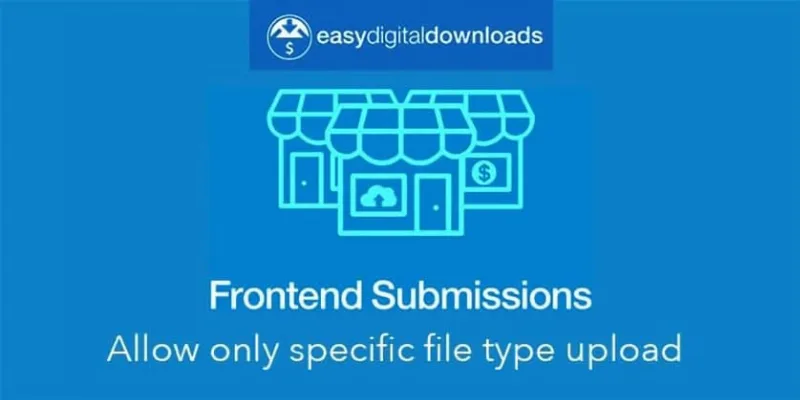
About Easy Digital Downloads Frontend Submissions
Your marketplace grows at the pace of your review
You open your store to outside vendors expecting the catalog to fill itself. They register, submit products and the storefront grows. But every new vendor and every submitted product goes through a review, and that review is done by you or your team.
In a marketplace with review, the catalog does not grow at the pace vendors register, but at the pace someone approves their work.
Frontend Submissions, known as FES, is the Easy Digital Downloads extension that lets users register as vendors from the public site and manage their products from a dashboard of their own. Administrators get review processes for both vendor registration and product submissions.
The vendor dashboard and its forms
Once approved, the vendor reaches a dashboard from which they:
- Create and update products without entering the WordPress admin.
- View orders and earnings statistics.
- Edit their account details and vendor profile.
- Read the questions and comments customers leave on their products, and answer pre-sale and support questions.
With the EDD Message extension, the vendor can also email customers from the dashboard. With the reviews extension, they see ratings on their products and customers can give feedback on the vendor.
The vendor registration, product submission and profile forms are built with a drag-and-drop editor, and you decide which fields each vendor sees. You can send emails when a product is submitted, updated, a vendor registers or a commission is earned, and each email is configured separately.
To record sales commissions you need the Commissions extension. With it, a vendor can receive commissions automatically as soon as they upload products, and sees their earnings in the dashboard.
A sign-up with manual review, to test
One path you can build: a registration form with few fields, manual vendor approval, and review of every product before publishing. It is a combination of features described separately, so rehearse it end to end with a test vendor before opening registration: sign-up, approval, product submission, review and publication. Measure how long your team takes at each step before deciding how to open sign-ups.
Compatibility and exceptions
- Recurring Payments and purchase limits: the integration is not complete. The vendor cannot set them in the submission form, but the administrator can do so from the product edit screen after submission.
- WPML: not compatible. The plugin is translation-ready with .po and .mo files.
- Dropbox File Store: not supported at this time.
- Amazon S3, Simple Shipping, Download Image Watermark and Commissions: compatible.
All themes in the EDD themes marketplace support FES, and some, such as Marketify or Stocky, are tuned for it.
Getting it running
It requires Easy Digital Downloads installed and active. To get started:
- Install the plugin with the WordPress installer and activate it.
- Install Commissions if you will split earnings among vendors.
- Build the registration, product submission and profile forms, and choose the visible fields.
- Configure the notification emails you want to send and receive.
- Test the whole path with a test vendor.
Alternatives for building a marketplace
If your store runs on WooCommerce rather than EDD, look at Dokan Pro or WC Vendors Pro. If what you need is for your customers to upload files to their own order, rather than opening up vendors, check EDD Upload File.
Answers about Frontend Submissions
Can vendors register on their own?
Yes, from the public site. Access to the dashboard comes with approval.
Can I decide which fields they fill in?
Yes. The forms are built by dragging and dropping, and you choose the fields each vendor sees.
Do vendors earn commission automatically?
With the Commissions extension, yes: they can receive it as soon as they upload products.
Can the vendor answer customers' questions?
Yes. Questions left on their products appear in their dashboard.
Topics
Version history
-
v
2.8.3 Current 29 Oct 2026
-
v
2.8.2 8 Jan 2025
Customer reviews
Sign in to leave a review. Only people who have the product can review it.
No reviews for this product yet.
Frequently asked questions
-
GPL (General Public License) is the license under which WordPress and most premium plugins/themes are distributed. It grants you the right to use, modify and redistribute the software in as many projects as you want, with no domain restrictions.
-
Yes. With membership you get automatic updates via our GPLClub Updater plugin (installed on your WP, detects new versions and applies them). With individual purchase, you get one year of manual updates from your account.
-
Depends on the plan. Monthly: 3 domains. Semi-annual: 7. Annual and Lifetime: 15. Individual purchase: 1 domain.
-
GPLClub offers its own support for installation, configuration and compatibility. For direct support from the original author (feature requests, product-specific bugs), a license purchased from the author is required.