
Ecopec | Solar & Renewable Energy Elementor Template
Antivirus scan
Powered by ClamAV
✅ Verified clean
This product file has passed our security filters.
Want to run a fresh ClamAV scan right now? Takes a few seconds and shows scanner version, signature DB and live result.
This can take 5 to 30 seconds.
Clean file Threat detected
No threats detected in this file.
- File
- Size
- Scanned
- ClamAV
- Signature database
⚡ Powered by ClamAV
Scan could not be completed
Report product
If you detected an issue (broken file, malware, inappropriate content, etc.) let us know and we'll review it ASAP.
Sign in to report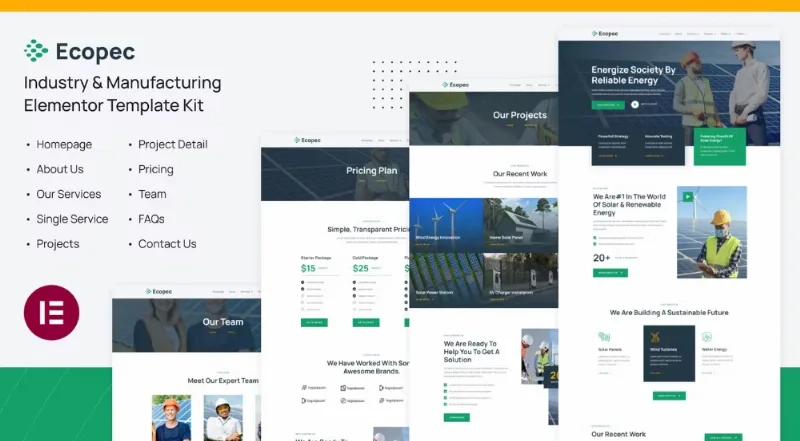
About Ecopec | Solar & Renewable Energy Elementor Template
A solar installer competes for the technical visit, not the catalog
Anyone selling solar panels, wind turbines or hydro energy has a problem that pretty photos won't solve: customers don't compare products, they compare who they trust enough to let in to measure the roof. A renewable energy website has to lead quickly to booking an appointment, while also showing finished jobs that justify the investment.
Which pages Ecopec includes and what each one does
It is an Elementor template kit with these pages: home, about, services, single service, projects, project detail, pricing, team, FAQs and contact. What each one does:
- Home: a big headline about reliable energy, a services button, a video and two proposal blocks (strategy and testing) that you can rewrite with your real method.
- Services: cards for solar panels, wind turbines and water energy, each linking to its own page. The footer also lists atomic energy as a solution, which you will almost certainly want to remove.
- Projects and detail: a grid of recent work with access to each case.
- Process: four steps (appointment, project consultation, system installation and execution).
Filler text and counters: what to change before publishing
All the content is placeholder: Latin text, a testimonial that belongs to another company, New York addresses and fake phone numbers, and a "we are number one in the world" line that you shouldn't keep unless you can prove it. The counters for years of experience, customers and projects are sample figures: replace them with your own or remove them. It is also just a design: it includes no solar savings calculator, panel simulator or quoting tool. If you need one, you must add it with another plugin. The contact form and appointment handling depend on what you set up in Elementor and in your plugins.
Frequently asked questions
Is it suitable if I only install solar panels?
Yes. Remove the wind and water cards, or turn them into services such as maintenance or batteries.
Does it include a savings calculator?
No. It is a visual template. To calculate savings you will need a separate tool.
Is it suitable for a website with a blog?
The footer menu includes sample links to a blog, a usage guide and a help center. You will have to create those pages yourself.
How to make the website convey real work
What matters most on an energy website is physical proof: photos of your own installations, installed capacity, location and type of customer. Replace the sample images with your own work and fill in the project detail page with what buyers ask: what was installed, where and how the process went. One well-told case is worth more than a big headline.
Before publishing: menu, cards and mobile
Adjust the menu, link the service cards to their pages and check the video and the project grid on mobile before publishing.
Topics
Version history
-
v
1.0.0 Current 25 Jun 2024
Customer reviews
Sign in to leave a review. Only people who have the product can review it.
No reviews for this product yet.
Frequently asked questions
-
GPL (General Public License) is the license under which WordPress and most premium plugins/themes are distributed. It grants you the right to use, modify and redistribute the software in as many projects as you want, with no domain restrictions.
-
Yes. With membership you get automatic updates via our GPLClub Updater plugin (installed on your WP, detects new versions and applies them). With individual purchase, you get one year of manual updates from your account.
-
Depends on the plan. Monthly: 3 domains. Semi-annual: 7. Annual and Lifetime: 15. Individual purchase: 1 domain.
-
GPLClub offers its own support for installation, configuration and compatibility. For direct support from the original author (feature requests, product-specific bugs), a license purchased from the author is required.
Related products
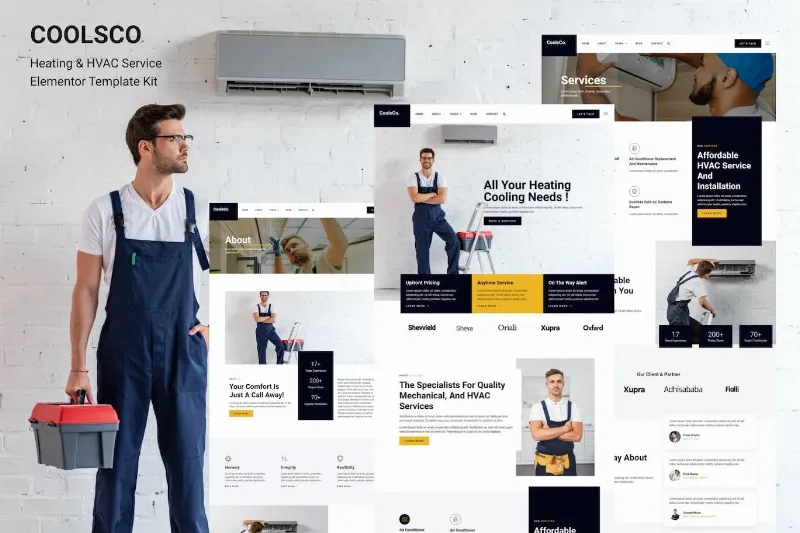
Coolsco – Air Conditioning Heating & HVAC Elementor Pro Template
By Elementor

La Vogue – Feminine Business Elementor Template Kit
By Elementor
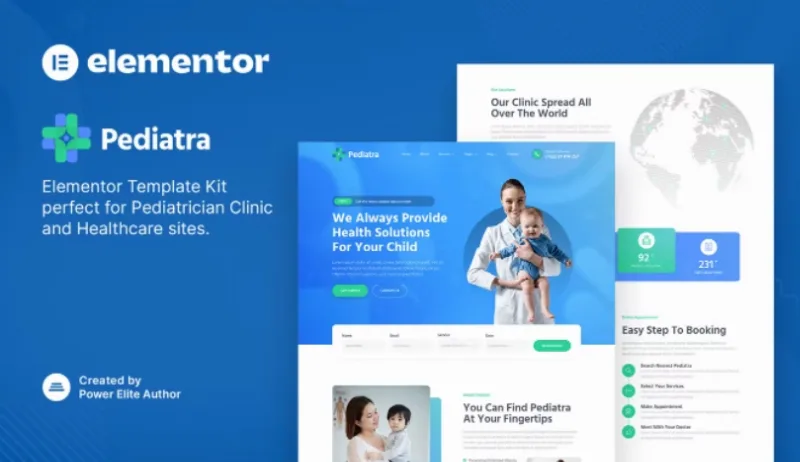
Pediatra – Pediatrician Clinic & Healthcare Elementor Template
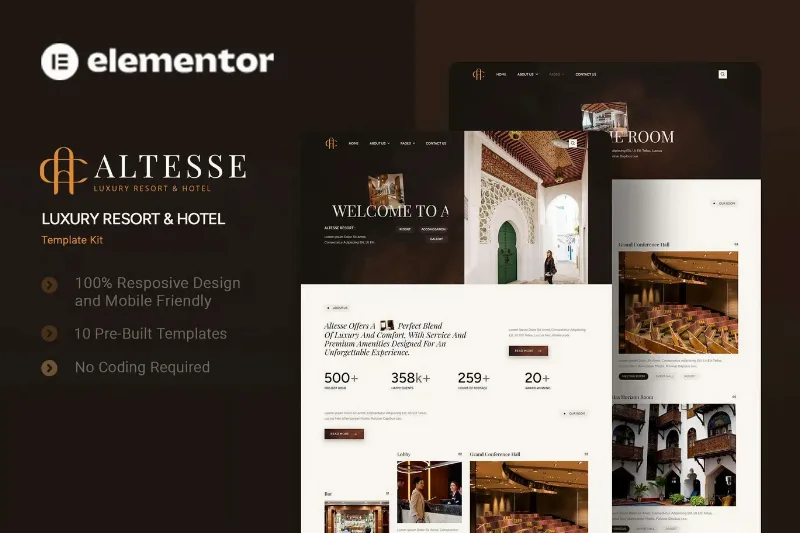
Altesse - Luxury Resort & Hotel Elementor Template Kit
By Elementor