
Hardy – Photography & Portfolio Elementor Template
Antivirus scan
Powered by ClamAV
✅ Verified clean
This product file has passed our security filters.
Want to run a fresh ClamAV scan right now? Takes a few seconds and shows scanner version, signature DB and live result.
This can take 5 to 30 seconds.
Clean file Threat detected
No threats detected in this file.
- File
- Size
- Scanned
- ClamAV
- Signature database
⚡ Powered by ClamAV
Scan could not be completed
Report product
If you detected an issue (broken file, malware, inappropriate content, etc.) let us know and we'll review it ASAP.
Sign in to report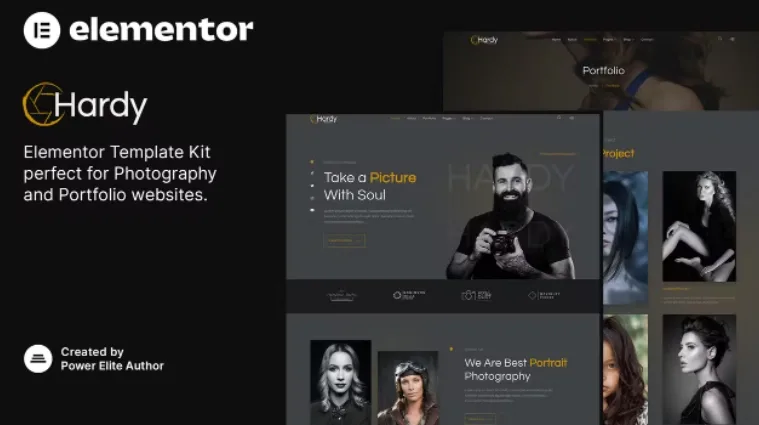
About Hardy – Photography & Portfolio Elementor Template
Someone hiring a portrait photographer rarely doubts the talent: they doubt what they will receive for their money. How many hours of session, how many photos delivered, whether there will be an online gallery. A website that does not answer that on the first visit ends up as a string of private messages. Hardy is an Elementor template kit that organizes exactly that conversation.
For the portrait photographer who sells session packages, not for someone who needs a photo store
Hardy fits if you offer portrait sessions (the demo works with woman and man portraits) and want to show a portfolio, explain services and present rates on a single website. It fits less well if your business sells prints or single downloads, because it has no shop or cart.
- It is an Elementor template kit: you need Elementor to edit it, and it does not replace your theme.
- The booking buttons on the packages are just buttons: they do not include a calendar or an appointment system. You will need to link them to your contact page or to the tool you use.
- The demo texts are placeholders, and the sample photos are not to be reused as if they were yours.
Hardy's three session packages: the page that saves you messages
The demo's pricing section presents three packages (Basic, Premium and Deluxe). Each one is compared on session length, number of digital images, online gallery and number of photographers. That structure is useful because it forces you to decide what each level includes before publishing anything.
Adapt it to the way you work: if you do not charge by the hour or do not deliver digitally, change the lines, but keep the idea of comparing levels in parallel columns.
Portfolio, services and team: the pages Hardy includes
The kit does not stop at the home page. It includes templates for:
- Home, with an introduction to the photographer and a direct route to the portfolio.
- About us, Services and Team.
- Portfolio and a featured projects page.
- Pricing and Frequently asked questions.
- Blog and single blog post.
- Contact, search and a 404 page.
The home page also adds a block of client testimonials (models, in the demo) and a call-to-contact block. Testimonials must be real and from people who give their permission; if you do not have any yet, remove the block instead of leaving sample text.
A blog and a subscription block to give Google something to read
A portfolio is almost all images, and images tell search engines very little. Hardy includes a blog home page, a post template and a subscription block to announce news. Keep in mind that the subscription block is only the design: you need to connect it to your email tool.
What to change in Hardy before publishing it
Replace the demo's address, phone number, email and social networks with your own, and also review the footer links, which include a privacy policy and terms of service: create those pages with your own content. The animated figures in the introduction section are a visual device: use them only if you can back up each number.
What people usually ask before building with Hardy
Does it work with the free version of Elementor?
It is an Elementor template kit. Check in the demo whether any of the widgets you care about are listed as exclusive to the paid version before you decide.
Can I book sessions from the website?
Not directly: the booking buttons are links that you must connect to your contact page or an appointment tool.
Does it include a gallery for delivering photos to clients?
The demo's rates mention an online gallery as part of the package, but the kit is not a private photo delivery system. You solve that with another tool.
Topics
Version history
-
v
1.0.0 Current 24 Jun 2024
Customer reviews
Sign in to leave a review. Only people who have the product can review it.
No reviews for this product yet.
Frequently asked questions
-
GPL (General Public License) is the license under which WordPress and most premium plugins/themes are distributed. It grants you the right to use, modify and redistribute the software in as many projects as you want, with no domain restrictions.
-
Yes. With membership you get automatic updates via our GPLClub Updater plugin (installed on your WP, detects new versions and applies them). With individual purchase, you get one year of manual updates from your account.
-
Depends on the plan. Monthly: 3 domains. Semi-annual: 7. Annual and Lifetime: 15. Individual purchase: 1 domain.
-
GPLClub offers its own support for installation, configuration and compatibility. For direct support from the original author (feature requests, product-specific bugs), a license purchased from the author is required.
Related products
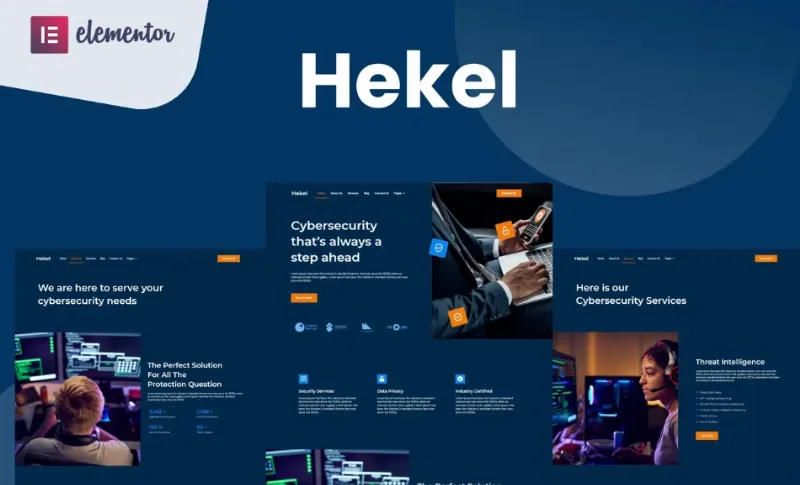
Hekel – Cyber Security Elementor Template
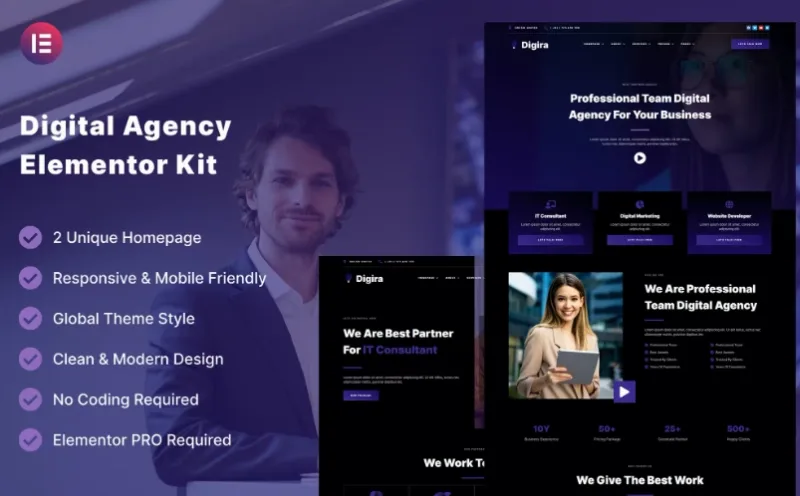
Digira – Digital Agency Services Elementor Template
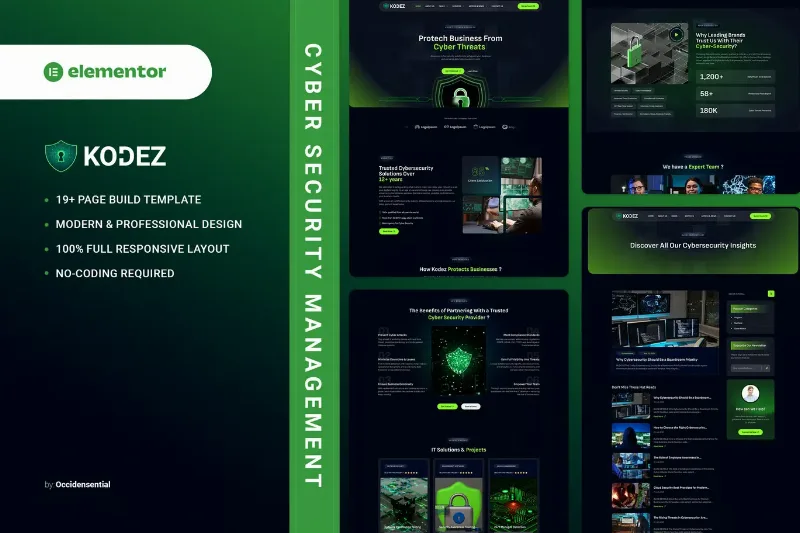
Kodez - Cyber Security Management Elementor Template Kit
By Elementor