Hostom – Hosting & WHMCS Elementor Template
Antivirus scan
Powered by ClamAV
✅ Verified clean
This product file has passed our security filters.
Want to run a fresh ClamAV scan right now? Takes a few seconds and shows scanner version, signature DB and live result.
This can take 5 to 30 seconds.
Clean file Threat detected
No threats detected in this file.
- File
- Size
- Scanned
- ClamAV
- Signature database
⚡ Powered by ClamAV
Scan could not be completed
Report product
If you detected an issue (broken file, malware, inappropriate content, etc.) let us know and we'll review it ASAP.
Sign in to report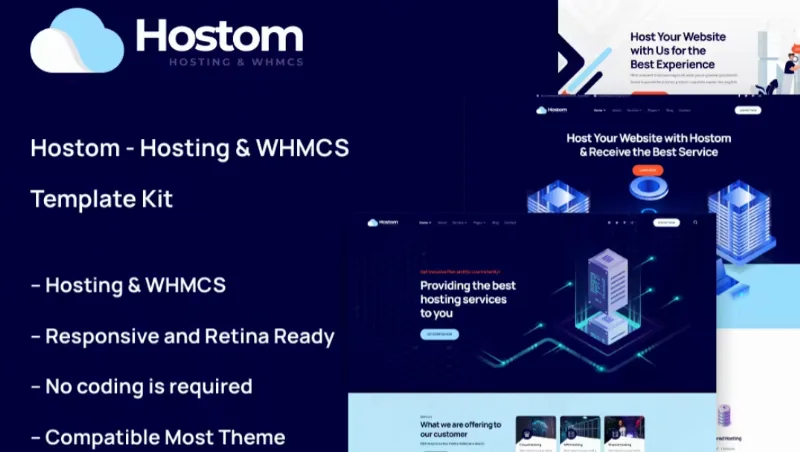
About Hostom – Hosting & WHMCS Elementor Template
A hosting website sells something the customer can only judge after paying
Building the website for a hosting or domain company often ends up as a nice-looking page that doesn't fit the client area, a homepage that doesn't explain the plans, or a design that breaks on mobile just when someone is comparing prices. Hostom is an Elementor template kit made for that business: shared hosting, VPS, cloud, domains and technical support.
People buying hosting can't test the server before signing up, so they judge by the website: whether it loads fast, whether the plans are clear and whether it looks like someone will answer when something goes wrong. That is where this kit saves you design work.
Three homepages and WHMCS integration in Hostom
The kit includes three different homepages, so you can pick the tone that best suits your company instead of always starting from the same structure. Everything is edited with Elementor, without writing code, and the design is responsive and retina-ready.
- WHMCS support: the kit is designed for companies that bill and manage customers with WHMCS. The integration is done with a separate add-on, WHMCS Elements for Elementor, which is optional and only needed if you want that connection.
- Header and footer builder: included through the Themesflat add-on, so you don't depend on Elementor Pro to have a global header and footer.
- Carousel with any content: the Slide Box widget lets you build sliders with almost any element.
- Forms with MetForm: with form templates that are imported separately.
It works with the free version of Elementor, with no need for Elementor Pro. However, it is not a theme: it only contains design. It adds no payment gateway, no client panel and no domain management on its own. WHMCS (or whatever system you use) provides all that, and you will have to connect it yourself. It also doesn't include personalized support from the author.
Plugins installed with the kit
Installing the requirements loads Elementor, Themesflat Addons for Elementor, MetForm and ElementsKit Lite, plus the WHMCS add-on if you enable it. That is four or five more pieces in your WordPress: worth keeping in mind if your hosting is already tight on resources or if you use other plugins that overlap.
Frequently asked questions
Do I need Elementor Pro?
No. The kit is designed for the free version. If you already have Pro, you can use Theme Builder for the header and footer.
Is it a theme?
No. These are Elementor templates imported on top of a lightweight theme such as Hello Elementor. Keep your current theme only if it is compatible with Elementor.
Can I use it if I don't sell hosting?
It is aimed at hosting, domains, VPS and cloud. For another sector you would have to rewrite a lot of content and plan sections.
Do the demo images come ready to use?
They are demo images. For your real website, replace them with your own or license them separately.
Does it connect to WHMCS without any setup?
Not automatically. You need to install the optional add-on and configure your WHMCS installation.
Header, footer and forms are set up separately from the pages
Before importing anything, check that Elementor and the Envato Elements plugin are up to date, that the Hello Elementor theme is active and that permalinks use the post name. If Elementor was already installed, enable the Flexbox Container feature in its settings.
Import the kit's global styles first and then the templates one by one, in the order shown. Pages are then created in Elementor with full width and the title hidden. The header and footer are assigned from TF Header Footer (or from Theme Builder if you have Pro), and forms require importing the MetForm template first and then inserting it inside the widget. Set aside some time for this: it isn't a single click.
Topics
Version history
-
v
1.0.0 Current 14 Jul 2024
Customer reviews
Sign in to leave a review. Only people who have the product can review it.
No reviews for this product yet.
Frequently asked questions
-
GPL (General Public License) is the license under which WordPress and most premium plugins/themes are distributed. It grants you the right to use, modify and redistribute the software in as many projects as you want, with no domain restrictions.
-
Yes. With membership you get automatic updates via our GPLClub Updater plugin (installed on your WP, detects new versions and applies them). With individual purchase, you get one year of manual updates from your account.
-
Depends on the plan. Monthly: 3 domains. Semi-annual: 7. Annual and Lifetime: 15. Individual purchase: 1 domain.
-
GPLClub offers its own support for installation, configuration and compatibility. For direct support from the original author (feature requests, product-specific bugs), a license purchased from the author is required.
Related products
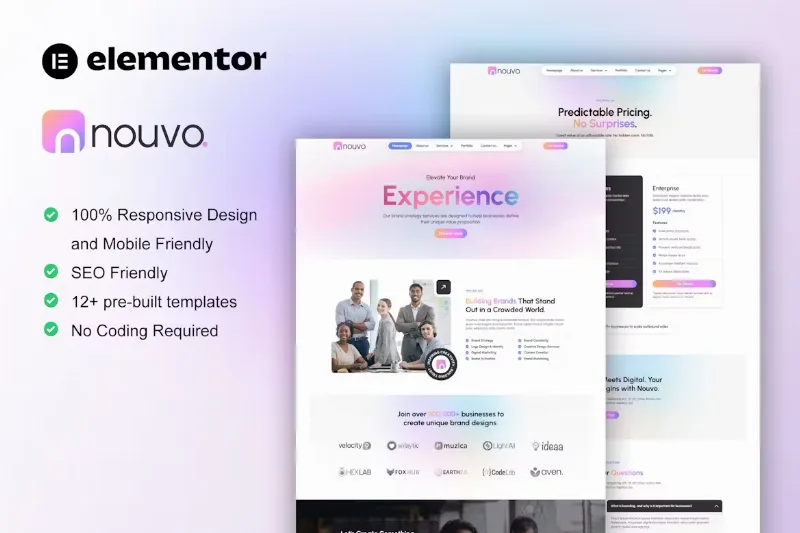
Nouvo – Digital Marketing Agency Elementor Pro Template
By Elementor
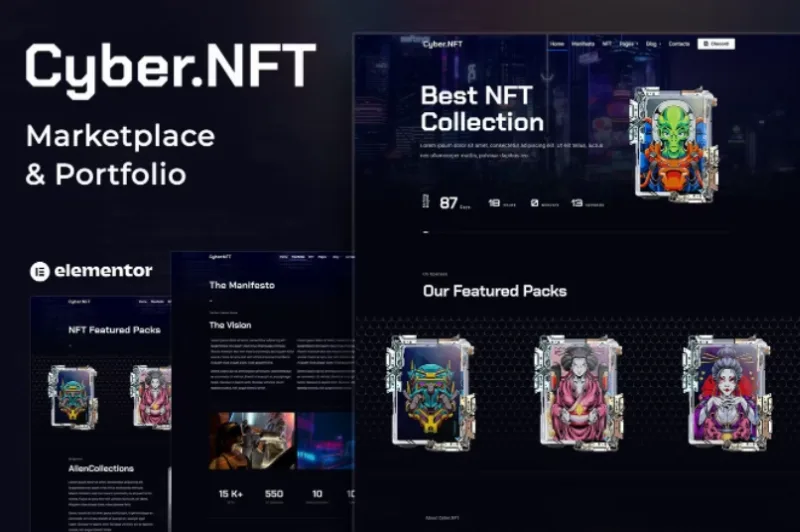
Cyber.NFT Marketplace & Portfolio Elementor Template
ConferenceHub – Professional Event Elementor Template