WPML ElasticPress
Antivirus scan
Powered by ClamAV
✅ Verified clean
This product file has passed our security filters.
Want to run a fresh ClamAV scan right now? Takes a few seconds and shows scanner version, signature DB and live result.
This can take 5 to 30 seconds.
Clean file Threat detected
No threats detected in this file.
- File
- Size
- Scanned
- ClamAV
- Signature database
⚡ Powered by ClamAV
Scan could not be completed
Report product
If you detected an issue (broken file, malware, inappropriate content, etc.) let us know and we'll review it ASAP.
Sign in to report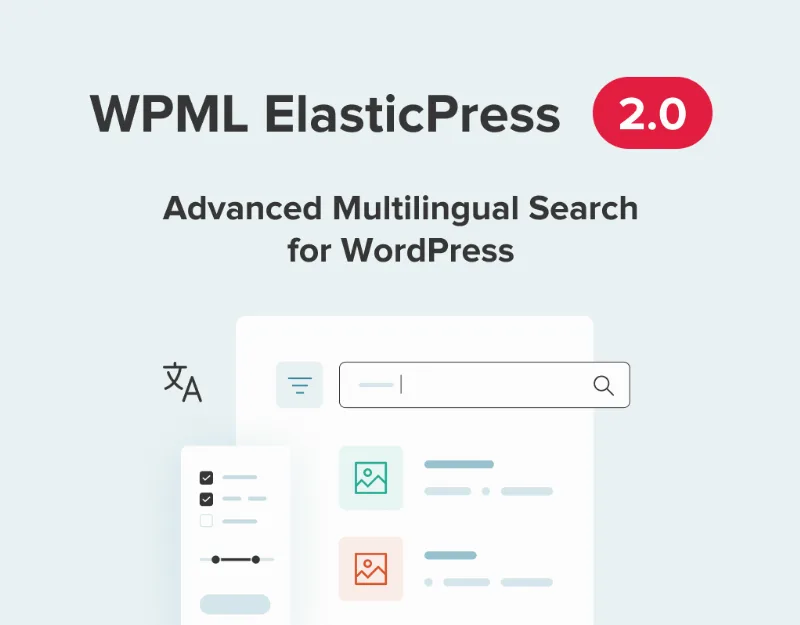
About WPML ElasticPress
When search can't tell languages apart, visitors leave
You build a multilingual site, and then search returns French pages to someone searching in English, or nothing useful because it applies one language's rules to every text. It's a very common flaw: the site looks professional until someone types into the search box.
WPML ElasticPress is the compatibility plugin that makes ElasticPress and WPML work together. It may interest you if you already use, or plan to use, an Elasticsearch server.
One Elasticsearch index per language
The core idea is simple: the plugin creates a separate index for each language on the site. When someone searches from the French version, the query goes to the French index, and the results pool is already filtered before relevance is calculated.
Each index contains:
- Translations into that language of every translatable post type.
- Default-language posts, for post types set to fall back to it when no translation exists.
- Copies of non-translatable content, so it appears in search whatever the visitor's language.
Each document is also analyzed with the rules of its own language: stopwords, stemming, abbreviations, plurals and verb tenses. So a French search matches French stems and a Japanese one respects Japanese morphology.
Which ElasticPress features become language-aware (and what stays out)
- Content search: posts, pages and custom post types on the front end.
- Related posts: the widget only shows content in the same language.
- Documents: search inside PDFs, .docx, .pptx and other attached files.
- Terms, comments and users: admin searches, filtered by the admin language.
It's an add-on, not a standalone tool. You need ElasticPress (from 10up), WPML core with String Translation, and an Elasticsearch server, either your own or managed (ElasticPress.io, Elastic Cloud or AWS OpenSearch). Before adding WPML, it's wise to check that ElasticPress indexes properly on a single-language site. And there's nothing to translate in the integration: the plugin doesn't translate your content, it only makes search respect the languages you already have. ElasticPress's WooCommerce-specific features aren't among those it makes language-aware.
Frequently asked questions
Will my untranslated post show up in other languages?
It depends on a WPML setting. If the post type is set to fall back to the default language, it will appear; if not, a search in another language won't return it. It's a WPML option, not a plugin bug.
Can I index only some languages?
Yes, with WP-CLI: the wp wpml_elasticpress sync command accepts a language flag (--post-lang) and supports several languages in one run. Until a language is indexed, its searches return nothing.
Does it work on Multisite?
After syncing one site in the network you should check that the other sites' indexes are still intact.
The first sync can take hours and must be checked language by language
Set up your WPML languages first, then start the sync from ElasticPress, under Sync. The plugin builds each language's indexes one after another, and on a large site it can take several hours. For large sites or automated deployments, the WP-CLI command lets you sync language by language and lower the batch size if the server is short on memory. If you're coming from version 1.0, you need to reindex because the index format changed.
Then check the result on the front end in each language:
- A search only shows posts in that language.
- An untranslated post doesn't appear in other languages (unless you enabled fallback to the default language).
- Related posts are in the same language.
- If you use Documents, each PDF appears only in its own language. After enabling that feature, rebuild all indexes.
If you see mixed results, most likely that language's sync hasn't finished: check Sync for errors and run it again.
Topics
Version history
-
v
5.0.1 Current 24 Oct 2026
-
v
2.0.4 8 Jan 2025
Customer reviews
Sign in to leave a review. Only people who have the product can review it.
No reviews for this product yet.
Frequently asked questions
-
GPL (General Public License) is the license under which WordPress and most premium plugins/themes are distributed. It grants you the right to use, modify and redistribute the software in as many projects as you want, with no domain restrictions.
-
Yes. With membership you get automatic updates via our GPLClub Updater plugin (installed on your WP, detects new versions and applies them). With individual purchase, you get one year of manual updates from your account.
-
Depends on the plan. Monthly: 3 domains. Semi-annual: 7. Annual and Lifetime: 15. Individual purchase: 1 domain.
-
GPLClub offers its own support for installation, configuration and compatibility. For direct support from the original author (feature requests, product-specific bugs), a license purchased from the author is required.