Zoom Integration for WooCommerce
Antivirus scan
Powered by ClamAV
✅ Verified clean
This product file has passed our security filters.
Want to run a fresh ClamAV scan right now? Takes a few seconds and shows scanner version, signature DB and live result.
This can take 5 to 30 seconds.
Clean file Threat detected
No threats detected in this file.
- File
- Size
- Scanned
- ClamAV
- Signature database
⚡ Powered by ClamAV
Scan could not be completed
Report product
If you detected an issue (broken file, malware, inappropriate content, etc.) let us know and we'll review it ASAP.
Sign in to report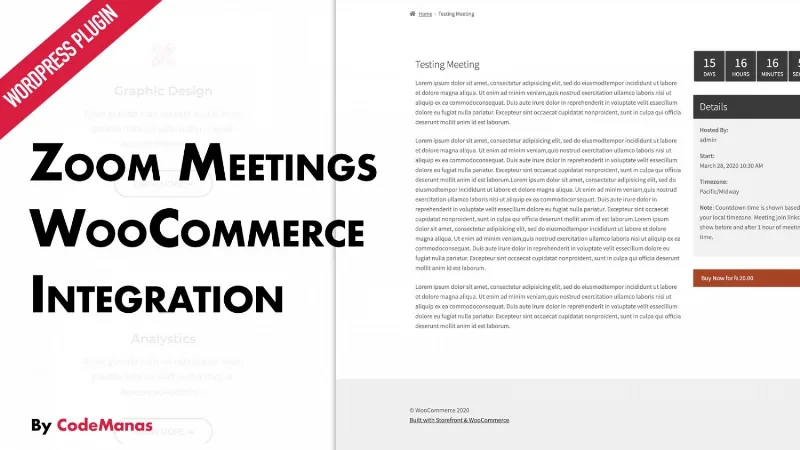
About Zoom Integration for WooCommerce
Selling a Zoom session and ending up forwarding links by hand
Anyone who sells online classes, consultations or workshops tends to end up in the same place: you get paid in one spot, copy the Zoom link somewhere else and write an email to each buyer. With ten attendees you can cope; with a hundred, someone goes without a link or the link reaches someone who never paid.
Zoom Integration for WooCommerce connects both sides: the meeting is linked to a WooCommerce product and the buyer receives access in their order confirmation email.
One link for the app and another for the browser
When buying, the participant gets two options: the join link for the Zoom app and a link to enter from the browser, with nothing to install. It helps when your audience is not technical or connects from a borrowed computer.
The host, for their part, has a start link to launch the meeting with one click. It also appears in the new order email the administrator receives.
Zoom Integration for WooCommerce: how a paid meeting is set up
In the WordPress dashboard you go to Zoom Meetings, create a new meeting and find a WooCommerce integration box. From there you make it purchasable and the linked product is generated. There is an option to convert it into a simple product when creating it from the admin.
- Buyer list: on the meeting page and on the linked product you will see the emails with their order number, so you know who should be inside.
- Recordings in My Account: customers can view and download the recordings of the meetings they bought. You decide whether that view is shown or hidden.
- Shortcode: vczapi_wc_show_purchased_meetings displays purchased meetings on any page.
- Meeting password: it can be included in the emails.
If you have vendors: WooCommerce Product Vendors and WCFM
The plugin lets each vendor offer their own meetings, which is designed for building a small marketplace of professionals who charge for their time. It is declared compatible with WooCommerce Product Vendors and with WCFM. With other marketplace plugins there is no guarantee it will work well, so test it before building your business on it.
It needs the free Zoom plugin and your own account
This plugin does not work on its own: you must first install the free version of Video Conferencing with Zoom API, which is what connects WordPress with Zoom. Here is what remains on your side:
- Already solved: linking the meeting to the product, sending join, browser and start links, listing buyers and showing recordings in My Account.
- With Video Conferencing with Zoom Pro: recurring meetings. Webinars can be sold, as long as your Zoom account supports them.
- With another plugin: time-slot bookings depend on WooCommerce Bookings, with its own integration. Booking reminders are handled by Bookings, not by this plugin.
- On your own: the Zoom plan. Some benefits depend on having a Zoom Pro subscription.
Frequently asked questions
Can I sell webinars?
Yes, if your Zoom account supports them. The process is the same as for a regular meeting.
Does it work for recurring meetings?
For those you also need Video Conferencing with Zoom Pro.
Does it work for appointments with a booked time?
No. Bookings are handled by WooCommerce Bookings, which has its own Zoom integration.
Can the customer review the session afterwards?
Yes, from My Account they can view and download the recordings, unless you have hidden them.
Topics
Version history
-
v
2.1.5 Current 27 Apr 2026
Customer reviews
Sign in to leave a review. Only people who have the product can review it.
No reviews for this product yet.
Frequently asked questions
-
GPL (General Public License) is the license under which WordPress and most premium plugins/themes are distributed. It grants you the right to use, modify and redistribute the software in as many projects as you want, with no domain restrictions.
-
Yes. With membership you get automatic updates via our GPLClub Updater plugin (installed on your WP, detects new versions and applies them). With individual purchase, you get one year of manual updates from your account.
-
Depends on the plan. Monthly: 3 domains. Semi-annual: 7. Annual and Lifetime: 15. Individual purchase: 1 domain.
-
GPLClub offers its own support for installation, configuration and compatibility. For direct support from the original author (feature requests, product-specific bugs), a license purchased from the author is required.