Admin Custom Login Pro
Antivirus scan
Powered by ClamAV
✅ Verified clean
This product file has passed our security filters.
Want to run a fresh ClamAV scan right now? Takes a few seconds and shows scanner version, signature DB and live result.
This can take 5 to 30 seconds.
Clean file Threat detected
No threats detected in this file.
- File
- Size
- Scanned
- ClamAV
- Signature database
⚡ Powered by ClamAV
Scan could not be completed
Report product
If you detected an issue (broken file, malware, inappropriate content, etc.) let us know and we'll review it ASAP.
Sign in to report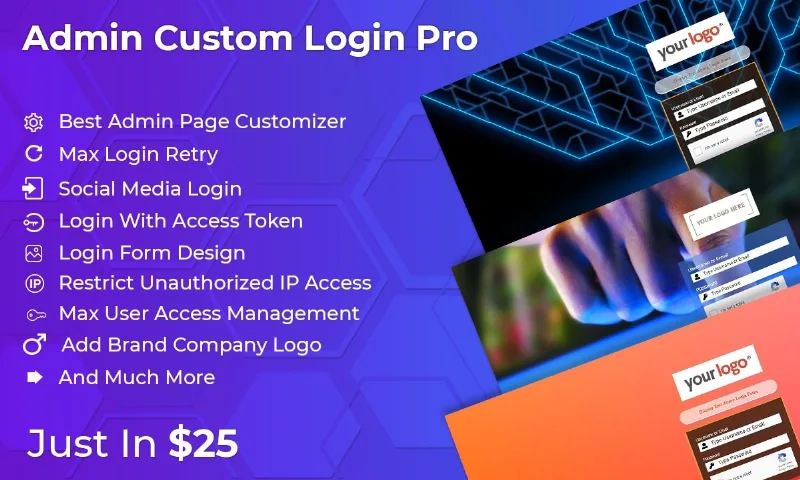
About Admin Custom Login Pro
Your login screen serves two audiences
You hand a client the finished site, with their brand on every page, and on their first working day they come in through a screen with the WordPress logo. That detail is fixed with design. But the same screen is also used by whoever tries passwords uninvited, and that visitor does not care about design at all.
The login screen has two audiences: the person who should get in and the one who should not. It pays to think about both at once, because every security rule you add is also lived by your client.
Admin Custom Login Pro, by Weblizar, works on that same screen from both sides: it changes how it looks and adds rules on who can get in, how many times they can try and from where.
The screen the person logging in will see
- Your own logo and background on the login screen.
- A tailored form: position, size, colors and icons, plus label and placeholder text and buttons.
- More than 700 fonts, across Google Fonts and general fonts.
- Social media icons, square or circular, inside or outside the form.
- Social media login: Facebook, Google and Twitter.
- Redirect after login to a specific or promotional page.
The rules for those who should stay out
- Retry limit on the form.
- Google reCAPTCHA on login.
- Form freeze for a while after a set number of failed attempts.
- Restriction by role: blocks login for editors, authors, contributors, subscribers and custom roles.
- Blocking specific users, one or several.
- Limit on concurrent sessions in the dashboard.
- A single authorized IP to reach the admin dashboard.
- Token login, to give someone temporary admin access.
The token fits when a technician needs admin rights for a while and you would rather not leave them in place permanently.
Three settings that can stop you too
The single IP. If your connection changes address, or you work from another place, a single-IP rule can lock you out of your own dashboard. Before enabling it, check that your address is stable and keep another way into the server at hand.
The freeze. Only an admin can unfreeze the form after an attack, using a secret key. Store that key away from the site before you need it.
The session limit. It is there to ease the server's load, but a low number can keep part of your team out. Set it according to how many people work at the same time.
Its features do not include two-factor authentication. If your site holds sensitive data, count that as a separate piece of your security plan.
Install, adjust and carry it to another site
It installs like any WordPress plugin and is configured from the Settings menu:
- Upload the plugin folder to wp-content/plugins, or install it from the dashboard.
- Activate it in the Plugins menu.
- Open its settings page and start with the look: logo, background and form.
- Enable the security rules one at a time.
- After each rule, test the login in a private window while keeping your admin session open.
- Export the configuration when it is ready.
If you manage several sites, you import the settings into the next install and avoid repeating them by hand. Translation into other languages is also supported.
Two routes depending on what worries you most
If your priority is security, Loginizer Pro focuses on it: IP lockout after repeated failures, two-factor authentication by email or app, changing the login address and control over XML-RPC.
If you mainly want to work on the design of the screen, LoginPress Pro is another option in that same category, with its own add-ons such as Login Logout Menu, which adds login and logout links to the menu.
Login and rule questions
Can I limit access for subscribers?
Yes. The restriction by role covers subscribers, contributors, authors, editors and custom roles.
How do I give a technician temporary access?
With token login, which assigns temporary admin access to a user.
Can I take the configuration to another site?
Yes. Settings are exported and imported into another install.
Does it replace my security plugin?
It covers login, with retries, freezing and restrictions. If you need two-factor authentication or other layers, combine it with a dedicated tool and test that both work together.
Version history
-
v
6.5 Current 24 Feb 2025
Customer reviews
Sign in to leave a review. Only people who have the product can review it.
No reviews for this product yet.
Frequently asked questions
-
GPL (General Public License) is the license under which WordPress and most premium plugins/themes are distributed. It grants you the right to use, modify and redistribute the software in as many projects as you want, with no domain restrictions.
-
Yes. With membership you get automatic updates via our GPLClub Updater plugin (installed on your WP, detects new versions and applies them). With individual purchase, you get one year of manual updates from your account.
-
Depends on the plan. Monthly: 3 domains. Semi-annual: 7. Annual and Lifetime: 15. Individual purchase: 1 domain.
-
GPLClub offers its own support for installation, configuration and compatibility. For direct support from the original author (feature requests, product-specific bugs), a license purchased from the author is required.