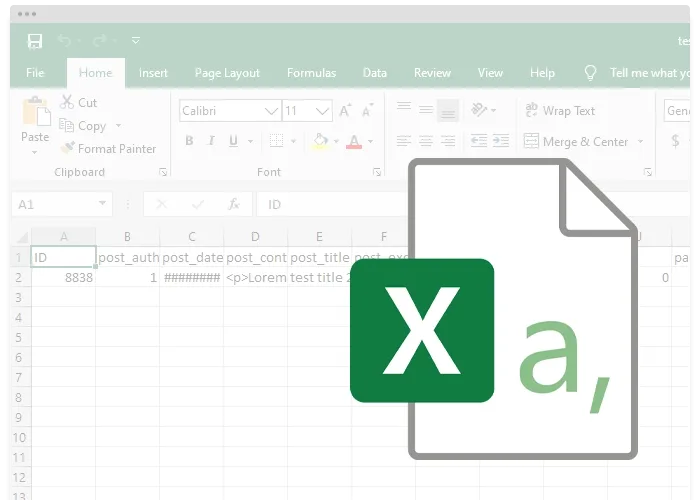
[IMPORT V10] - CSV Import/Export
Antivirus scan
Powered by ClamAV
✅ Verified clean
This product file has passed our security filters.
Want to run a fresh ClamAV scan right now? Takes a few seconds and shows scanner version, signature DB and live result.
This can take 5 to 30 seconds.
Clean file Threat detected
No threats detected in this file.
- File
- Size
- Scanned
- ClamAV
- Signature database
⚡ Powered by ClamAV
Scan could not be completed
Report product
If you detected an issue (broken file, malware, inappropriate content, etc.) let us know and we'll review it ASAP.
Sign in to reportNewer version out, or a problem?
About [IMPORT V10] - CSV Import/Export
Moving a spreadsheet catalogue into your PremiumPress site without entering each listing by hand
When you have products, coupons or listings in a spreadsheet, there is no need to retype them one by one in the WordPress admin. CSV Import Tool loads that content in bulk: you upload a CSV or XML file and the tool creates the entries automatically.
Who gets the most out of bulk importing
Someone moving from another platform
If you are coming from another platform or from a spreadsheet, you can bring that data into your PremiumPress theme without entering each entry by hand.
Someone launching a new site with a large catalogue
If the website has to go live with a large starting catalogue, loading it all at once is the fastest way to have real content from day one.
Products, coupons and videos in the same loading system
With the same tool you can import products, coupons and videos, along with other content types.
- Products, with title, description, price, category and images.
- Coupons.
- Videos.
Only for PremiumPress themes: the CSV has to match their fields
The tool is built for PremiumPress themes, so you need one installed, and the file must follow the theme's fields.
Frequently asked questions about CSV Import Tool
What file formats does it accept?
CSV and XML.
Who makes it?
It is a tool from PremiumPress itself, built to import data into its themes, with no external provider or third-party account involved.
Is it useful for migrating from another platform?
Yes, it is one of its most useful uses: moving data from another platform or from a spreadsheet.
Does it create the entries by itself?
Yes. You upload the file and the tool creates the entries automatically, instead of adding them one by one in the WordPress admin.
Documentation, videos and community threads for CSV Import Tool
PremiumPress publishes official documentation for the tool, along with video tutorials and community threads on Reddit and YouTube.
Before you prepare your spreadsheet, check the documentation to confirm which columns your theme expects.
Version history
-
v
1.4 Current 14 May 2024
Customer reviews
Sign in to leave a review. Only people who have the product can review it.
No reviews for this product yet.
Frequently asked questions
-
GPL (General Public License) is the license under which WordPress and most premium plugins/themes are distributed. It grants you the right to use, modify and redistribute the software in as many projects as you want, with no domain restrictions.
-
Yes. With membership you get automatic updates via our GPLClub Updater plugin (installed on your WP, detects new versions and applies them). With individual purchase, you get one year of manual updates from your account.
-
Depends on the plan. Monthly: 3 domains. Semi-annual: 7. Annual and Lifetime: 15. Individual purchase: 1 domain.
-
GPLClub offers its own support for installation, configuration and compatibility. For direct support from the original author (feature requests, product-specific bugs), a license purchased from the author is required.