WooCommerce Dashboard Widgets Stats
Antivirus scan
Powered by ClamAV
✅ Verified clean
This product file has passed our security filters.
Want to run a fresh ClamAV scan right now? Takes a few seconds and shows scanner version, signature DB and live result.
This can take 5 to 30 seconds.
Clean file Threat detected
No threats detected in this file.
- File
- Size
- Scanned
- ClamAV
- Signature database
⚡ Powered by ClamAV
Scan could not be completed
Report product
If you detected an issue (broken file, malware, inappropriate content, etc.) let us know and we'll review it ASAP.
Sign in to report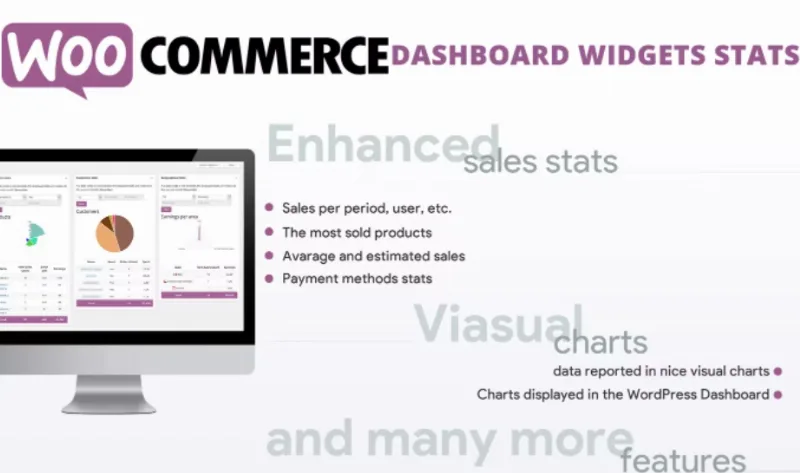
About WooCommerce Dashboard Widgets Stats
For people who open the dashboard every day and want the pulse of the store without opening reports
Opening the WooCommerce admin and seeing only a list of orders doesn't tell you whether this week is going better or worse than the last. This plugin brings sales stats to the WordPress dashboard, in widgets with charts, so you can read them right away after logging in.
It suits people who run their own store, or run one for a client, and want to see sales, products and refunds at a glance. It doesn't suit anyone looking for visitor analytics, conversion funnels or campaign results: what it shows is the store's sales data. It doesn't replace accounting either, and if you need to take the data out to a spreadsheet, check in the demo whether it offers export.
Sales charts by period and by user in WooCommerce Dashboard Widgets Stats
Sales are presented in visual charts, broken down by period, by user and other criteria. That way you can spot a weak streak or a customer who accounts for a good share of purchases without building any report.
- Best-selling products: they tell you which items hold the business up and which take up catalog space without moving.
- Average and estimated sales: they give you a reference to tell whether a given day is normal or out of the ordinary.
Refunds and payment methods: the figures almost everyone looks at too late
In an online store the gross sales figure is easily misleading. What erodes the margin is usually in returns and in how people pay, and that is where almost nobody looks until something doesn't add up.
The plugin includes its own stats for refunds and payment methods. If a high percentage of orders ends up refunded, or if one gateway handles almost all payments, you'll see it every time you open the dashboard, not when the quarter closes.
Variable products: the stats go down to the variation
If you sell T-shirts in four sizes or the same product in several formats, knowing that the product sells isn't enough: you need to know which variant. The stats work with variable products and can be shown even for a single variation, which helps you decide which size or format to restock.
Each role sees only what concerns it
You can choose which user roles see the widgets on the dashboard. It's handy when several people have access to the admin, such as an employee who handles orders but doesn't need to see how much the store takes in.
Questions before installing WooCommerce Dashboard Widgets Stats
Does it need WooCommerce?
Yes. These are stats for a WooCommerce store, shown on the WordPress dashboard.
Does it replace a web analytics tool?
No. It covers sales, products, payment methods and refunds. Traffic, visit sources and campaigns are left out.
Does it work with variable products?
Yes, and the stats can be shown even for a single variation.
Can I hide the data from part of the team?
Yes, by choosing the user roles that will see the widgets.
Topics
Version history
-
v
6.0 Current 26 Aug 2026
-
v
5.7 15 May 2024
Customer reviews
Sign in to leave a review. Only people who have the product can review it.
No reviews for this product yet.
Frequently asked questions
-
GPL (General Public License) is the license under which WordPress and most premium plugins/themes are distributed. It grants you the right to use, modify and redistribute the software in as many projects as you want, with no domain restrictions.
-
Yes. With membership you get automatic updates via our GPLClub Updater plugin (installed on your WP, detects new versions and applies them). With individual purchase, you get one year of manual updates from your account.
-
Depends on the plan. Monthly: 3 domains. Semi-annual: 7. Annual and Lifetime: 15. Individual purchase: 1 domain.
-
GPLClub offers its own support for installation, configuration and compatibility. For direct support from the original author (feature requests, product-specific bugs), a license purchased from the author is required.