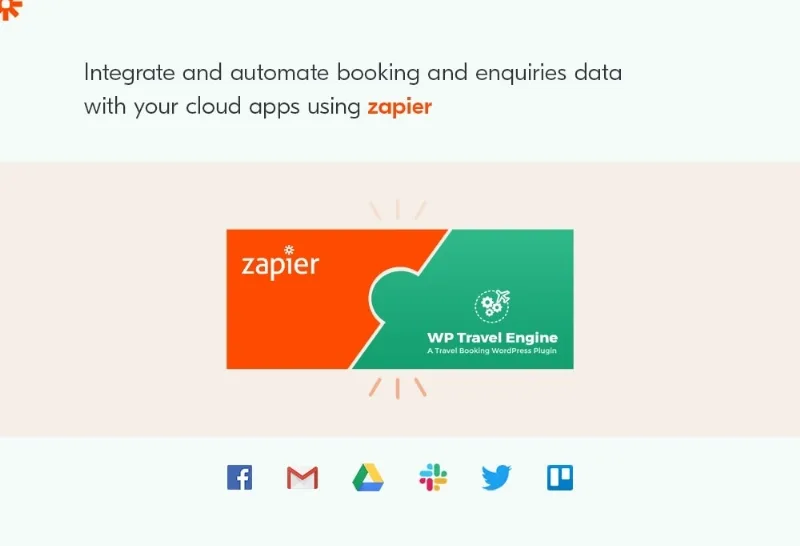
WP Travel Engine - Zapier
Antivirus scan
Powered by ClamAV
✅ Verified clean
This product file has passed our security filters.
Want to run a fresh ClamAV scan right now? Takes a few seconds and shows scanner version, signature DB and live result.
This can take 5 to 30 seconds.
Clean file Threat detected
No threats detected in this file.
- File
- Size
- Scanned
- ClamAV
- Signature database
⚡ Powered by ClamAV
Scan could not be completed
Report product
If you detected an issue (broken file, malware, inappropriate content, etc.) let us know and we'll review it ASAP.
Sign in to reportNewer version out, or a problem?
About WP Travel Engine - Zapier
When every travel inquiry gets copied by hand
A travel business that receives bookings and inquiries from its website usually ends up moving the data by hand: from email to a spreadsheet, then to a group chat or a phone alert. And inquiries arrive at any hour, just when nobody is free to note them down. This add-on connects WP Travel Engine with Zapier so each booking or inquiry leaves the website for the tools you already use, without anyone having to retype it.
From the WP Travel Engine form to Google Sheets, step by step
Picture an agency that wants every inquiry to appear as a new row in Google Sheets and alert its team on Slack. The first step happens in Zapier, which gives you a special link (a webhook) that will receive the data. That link is the only thing you need to copy and paste into the add-on, which guides you without asking for technical knowledge.
From then on, when someone submits the inquiry form or completes a booking, WP Travel Engine sends the data to that link and Zapier distributes it according to what you have set up: a row in the sheet, a message in Slack or an email in Mailchimp. Zapier connects with more than 7,000 applications, so you choose the destination.
What data reaches Zapier, including the fields you created yourself
The add-on sends all the fields of your booking and inquiry forms, including the ones you added yourself. Bookings also carry:
- Payment data, with the order, package, discounts and taxes.
- Booking line items grouped together.
- Taxonomy fields, such as trip type or activity, along with the name of the chosen package.
- Extra services included in checkout.
There is one limit to keep in mind: the add-on needs WP Travel Engine installed and active, because it is an add-on of that plugin. And if you already had automations set up before the booking data format changed, they may need a review to keep working.
Automating bookings, inquiries or both, and pausing when needed
You decide what gets sent: only bookings, only inquiries or both. If you want to stop the automations for a while, switch them off and your settings stay saved, so you can turn them back on with a single click. If a booking already exists and you need to send it again, the «Trigger Booking Zap» button in the booking sidebar sends its data manually to the connected webhooks. That button requires a recent version of WP Travel Engine.
Common questions when connecting WP Travel Engine to Zapier
Do I need to know how to code to connect it?
No. You only copy the link that Zapier gives you and paste it into the add-on, and the process is guided step by step.
Can I send only bookings and leave inquiries out?
Yes. You choose whether to automate bookings, inquiries or both.
Are bookings paid with offline methods sent too?
Yes, as long as the event-based triggers are enabled. Bookings made with offline payment methods also trigger the webhooks in that case.
What happens with form fields I created myself?
They are sent too, so you can use them in your Zapier automation.
Topics
Version history
-
v
1.0.2 Current 12 May 2024
Customer reviews
Sign in to leave a review. Only people who have the product can review it.
No reviews for this product yet.
Frequently asked questions
-
GPL (General Public License) is the license under which WordPress and most premium plugins/themes are distributed. It grants you the right to use, modify and redistribute the software in as many projects as you want, with no domain restrictions.
-
Yes. With membership you get automatic updates via our GPLClub Updater plugin (installed on your WP, detects new versions and applies them). With individual purchase, you get one year of manual updates from your account.
-
Depends on the plan. Monthly: 3 domains. Semi-annual: 7. Annual and Lifetime: 15. Individual purchase: 1 domain.
-
GPLClub offers its own support for installation, configuration and compatibility. For direct support from the original author (feature requests, product-specific bugs), a license purchased from the author is required.