Coming Soon and Maintenance Mode by Traslatability
Antivirus scan
Powered by ClamAV
✅ Verified clean
This product file has passed our security filters.
Want to run a fresh ClamAV scan right now? Takes a few seconds and shows scanner version, signature DB and live result.
This can take 5 to 30 seconds.
Clean file Threat detected
No threats detected in this file.
- File
- Size
- Scanned
- ClamAV
- Signature database
⚡ Powered by ClamAV
Scan could not be completed
Report product
If you detected an issue (broken file, malware, inappropriate content, etc.) let us know and we'll review it ASAP.
Sign in to report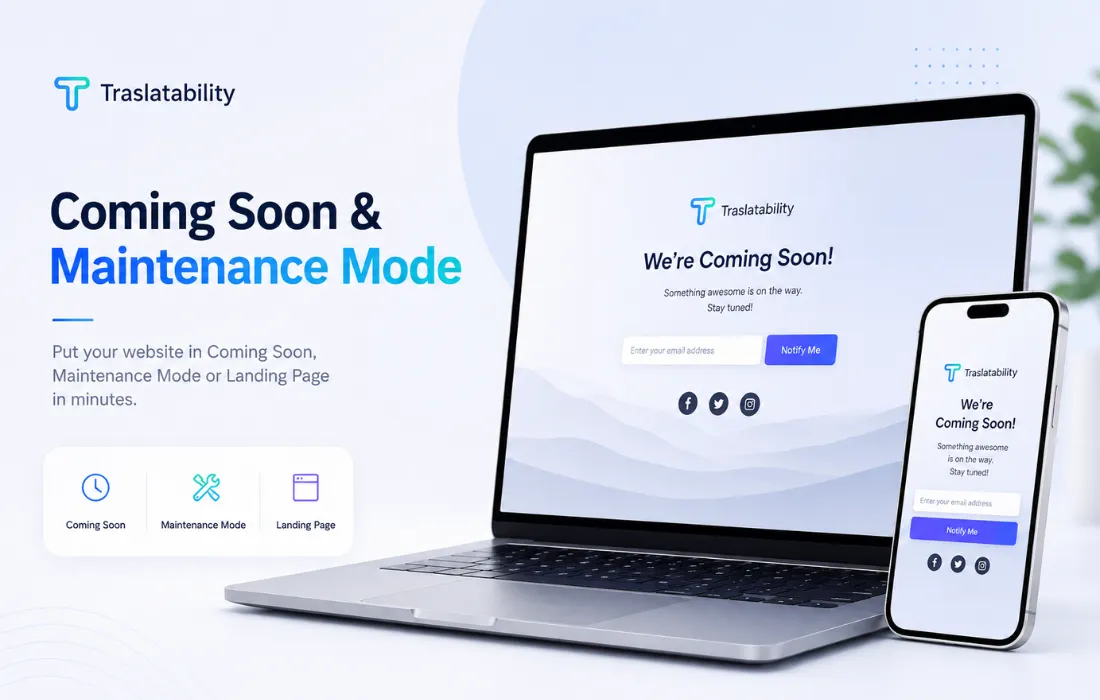
About Coming Soon and Maintenance Mode by Traslatability
A holding page that works while your site isn't ready
When a WordPress site isn't finished yet, or needs to close temporarily for changes, showing a blank page or an error helps no one. Coming Soon and Maintenance Mode replaces that empty screen with a holding page featuring your message, a countdown to launch, and a form for visitors to leave their email address. The result is that instead of losing people who arrive early, you build a list of interested subscribers to notify as soon as the site opens.
Coming soon mode vs. maintenance mode: what's the difference
The plugin distinguishes between two situations that aren't the same. Coming soon mode is designed for a site that doesn't exist yet: it responds to search engines with a normal 200 status code, as if the page were legitimately available. Maintenance mode, on the other hand, is designed for a site that's already live and needs to close briefly: it sends a 503 status code with a Retry-After header, telling Google and other crawlers to come back later instead of indexing the holding page as if it were your real content.
Access for you, your team, and your clients
Turning on the holding page doesn't lock you out of your own site. The WordPress dashboard, login screen, cron, REST API, robots.txt file, and sitemap all keep working as normal. Besides letting through whichever user roles you choose, Coming Soon and Maintenance Mode lets you generate individual preview links, each with its own expiration date if needed, so a client can see the work in progress without needing an account or password. You can also grant access to entire IP address ranges, which is handy for letting a whole office through.
Eighteen ready-made designs plus store compatibility
The plugin includes eighteen designs for the holding page, each with a live preview before you choose, so there's no need to install a page builder or load resources from external servers. It's compatible with common caching systems, automatically clearing the cache when you switch modes. On sites running WooCommerce, you can limit the holding page to just the shop and product pages, or use the closed-for-orders option, which keeps the rest of the site visible and only blocks purchases.
Who it's for
- Agencies and designers who need to show a client a site under construction without sharing passwords.
- Stores and sites that need to close temporarily for maintenance without losing search engine rankings.
- New launches that want to start collecting subscribers before the site even goes live.
- WooCommerce stores that need to close purchases only, without hiding the catalog.
| WordPress compatibility | Version 6.0 to 7.1 |
| PHP required | 8.0 or higher |
| Multisite | Compatible, with network activation |
| Languages | English, Spanish and French |
| Number of designs | 18 templates for the holding page |
| WooCommerce | Optional compatibility, version 7.0 to 11.0 |
Frequently asked questions
Does turning on maintenance mode lock me out of the WordPress dashboard?
No. Admin access, the login screen, cron, the REST API, and tools like WP-CLI all keep working normally. Anyone logged in with an authorized role sees the real site, while all other visitors see the holding page.
Does it affect search engine rankings?
It depends on the mode you choose. Maintenance mode sends a 503 status code asking crawlers to come back later, while coming soon mode sends a normal 200 status code, suited to a site that doesn't yet exist publicly.
Can I show an unfinished site to a client without giving them a password?
Yes. You can generate individual preview links, each with its own expiration date, that display the finished site without needing an account. Removing a link revokes access for just that person.
Do I need WooCommerce to use this plugin?
No, it works on any WordPress site. If you have WooCommerce active, you can limit the shutdown to just the shop and products, or use the closed-for-orders option, which keeps all content visible and only blocks purchases.
What happens to the collected emails if I deactivate the plugin?
Deactivating the plugin keeps the settings and subscriber list intact. They're only deleted if you check the option to remove all data on uninstall.
Version history
-
v
1.10.0 Current 1 Nov 2026
Customer reviews
Sign in to leave a review. Only people who have the product can review it.
No reviews for this product yet.
Frequently asked questions
-
GPL (General Public License) is the license under which WordPress and most premium plugins/themes are distributed. It grants you the right to use, modify and redistribute the software in as many projects as you want, with no domain restrictions.
-
Yes. With membership you get automatic updates via our GPLClub Updater plugin (installed on your WP, detects new versions and applies them). With individual purchase, you get one year of manual updates from your account.
-
Depends on the plan. Monthly: 3 domains. Semi-annual: 7. Annual and Lifetime: 15. Individual purchase: 1 domain.
-
GPLClub offers its own support for installation, configuration and compatibility. For direct support from the original author (feature requests, product-specific bugs), a license purchased from the author is required.