Everest Forms - Zoho CRM
Antivirus scan
Powered by ClamAV
✅ Verified clean
This product file has passed our security filters.
Want to run a fresh ClamAV scan right now? Takes a few seconds and shows scanner version, signature DB and live result.
This can take 5 to 30 seconds.
Clean file Threat detected
No threats detected in this file.
- File
- Size
- Scanned
- ClamAV
- Signature database
⚡ Powered by ClamAV
Scan could not be completed
Report product
If you detected an issue (broken file, malware, inappropriate content, etc.) let us know and we'll review it ASAP.
Sign in to report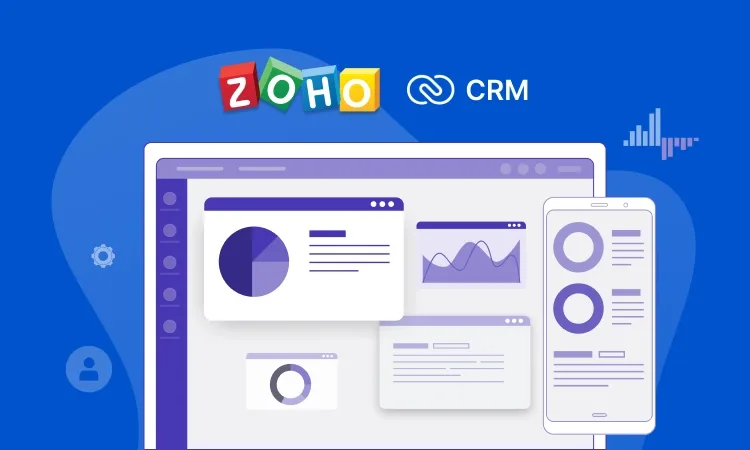
About Everest Forms - Zoho CRM
Contacts that arrive by form and stay in the inbox
A web form that only sends an email to the administrator has a problem: the contact lives in an inbox, mixed with everything else, until someone copies it by hand into the CRM. When the sales team works from Zoho CRM, that manual copying is where leads get lost, data gets duplicated or replies come late. This Everest Forms add-on closes that gap: every form submission can become a lead inside Zoho CRM.
What Everest Forms - Zoho CRM does with each submission
It is an integration between Everest Forms and Zoho CRM, the cloud-based CRM application. This is what you can configure:
- Field mapping: you link your form fields to Zoho fields, including custom fields, and choose for the data to come in as leads.
- Lead options: from the settings you define the lead source, status, rating and description.
- Multiple connections: you can connect more than one Zoho CRM account to Everest Forms.
- Conditional logic: you create rules so that sending data to Zoho is more dynamic.
It needs Everest Forms and its Premium plan
This plugin does not work on its own: it is an add-on for Everest Forms and is available in its Premium plan. Without the base form plugin there is nothing to connect.
Nor is it a CRM or a replacement for Zoho: it does not manage sales follow-up, pipelines or campaigns. Its job ends when the lead reaches your Zoho account.
Frequently asked questions
Can I use Zoho custom fields?
Yes. You can link form fields to Zoho fields, including custom ones.
Can I connect more than one Zoho account?
Yes, it supports multiple connections with different Zoho CRM accounts.
Can I send only some submissions to Zoho?
Yes, with conditional logic rules you decide when data is transferred.
Which lead data can I set without the visitor filling it in?
The source, status, rating and description are configured from the connection settings.
Does it work without Everest Forms?
No. It is an add-on and depends on the base plugin.
First define what a good lead means for your team
Before mapping anything, decide with your sales team which fields they need to see in Zoho: name and email almost always, but perhaps also company, interest or budget. A form with too many fields drives visitors away, and one with too few produces leads nobody knows how to prioritize.
Then make use of the lead settings: assigning an identifiable source to each form lets you later see which page brings quality contacts. Test with a real submission and check in Zoho that each piece of data lands in the right field before publishing the form.
Version history
-
v
1.0.3 Current 19 Jun 2026
-
v
1.0.2 17 Apr 2026
Customer reviews
Sign in to leave a review. Only people who have the product can review it.
No reviews for this product yet.
Frequently asked questions
-
GPL (General Public License) is the license under which WordPress and most premium plugins/themes are distributed. It grants you the right to use, modify and redistribute the software in as many projects as you want, with no domain restrictions.
-
Yes. With membership you get automatic updates via our GPLClub Updater plugin (installed on your WP, detects new versions and applies them). With individual purchase, you get one year of manual updates from your account.
-
Depends on the plan. Monthly: 3 domains. Semi-annual: 7. Annual and Lifetime: 15. Individual purchase: 1 domain.
-
GPLClub offers its own support for installation, configuration and compatibility. For direct support from the original author (feature requests, product-specific bugs), a license purchased from the author is required.