WP Travel Engine - PayPal Express Gateway
Antivirus scan
Powered by ClamAV
✅ Verified clean
This product file has passed our security filters.
Want to run a fresh ClamAV scan right now? Takes a few seconds and shows scanner version, signature DB and live result.
This can take 5 to 30 seconds.
Clean file Threat detected
No threats detected in this file.
- File
- Size
- Scanned
- ClamAV
- Signature database
⚡ Powered by ClamAV
Scan could not be completed
Report product
If you detected an issue (broken file, malware, inappropriate content, etc.) let us know and we'll review it ASAP.
Sign in to report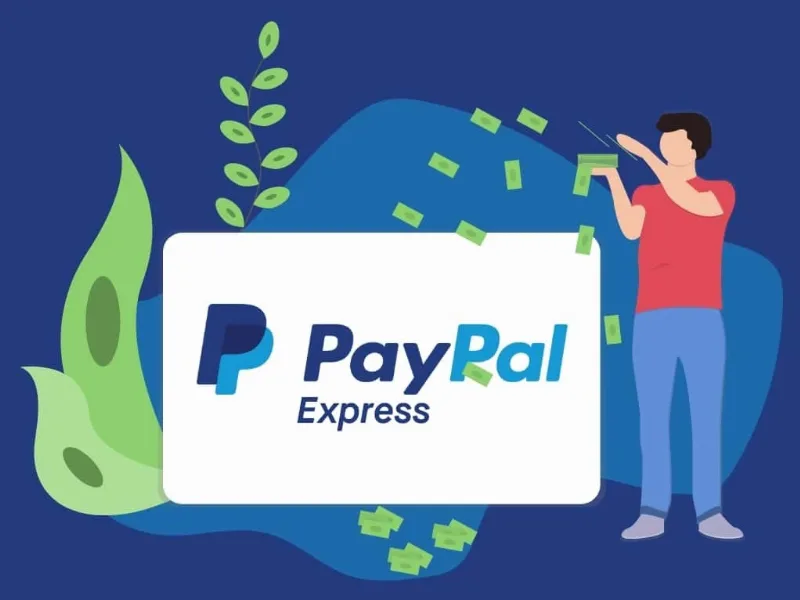
About WP Travel Engine - PayPal Express Gateway
Built for travel agencies already taking bookings with WP Travel Engine
A traveler looking at a tour worth several thousand euros who reaches payment with an unfamiliar form hesitates. And in travel the hesitation doesn't stop at payment: it stops at the cart. This add-on brings PayPal Express to WP Travel Engine bookings so anyone with a PayPal account can pay without typing in all their details.
It suits you if you sell tours, circuits or activities with WP Travel Engine and your customers travel from other countries. It doesn't suit you if you use another booking plugin: it is an add-on, it doesn't work on its own and it depends on WP Travel Engine. Nor does it replace other gateways: it adds one more option at checkout.
Why PayPal reduces abandonment in a travel booking
Travel customers buy remotely, often in another language and from a company they don't know. A payment brand they recognize reduces friction at the very step where most bookings are lost. PayPal handles the customer's financial information with its own encryption and fraud prevention, so that data doesn't pass through your form.
PayPal states availability in over 200 countries, a useful fact if your audience is international. That doesn't mean every currency or method works the same in every market: test a booking in your currency before going live.
Choosing which payment methods you accept with PayPal
You can disable specific methods within PayPal, for example eChecks or certain cards. It's a way to reduce fraud risk or chargebacks if you've already had problems with a given payment type.
- Card payment: there is a setting to enable or disable the pay-with-card option on the checkout page.
- Manual capture: if automatic capture fails, you can capture the payment by hand from the bookings dashboard.
- Debug mode: it helps trace payment errors during testing.
Partial payments and outstanding balances
In travel it's common to charge a deposit and the rest later. The add-on has been adapted to WP Travel Engine's Partial Payment and lets the customer pay the remaining balance from their user dashboard. This flow requires that other add-on to be active; PayPal Express on its own doesn't create payment plans.
What you need for it to work
- WP Travel Engine installed and active, and a PayPal account to receive payments.
- The add-on requires a Travel Agency license of WP Travel Engine, so the free version of the base plugin isn't enough.
- Activate the plugin and enable the payment method in the settings. Before opening sales, make a complete test booking and check that the booking is saved and the amount matches.
It doesn't handle invoices, taxes or subscriptions: it only charges for the booking.
Frequently asked questions about PayPal Express in WP Travel Engine
Does it work without WP Travel Engine?
No. It is an add-on that plugs into its booking and payment process.
Can I charge by card without a PayPal account?
The add-on includes credit and debit card support, and a setting to enable or disable that option at checkout. What each customer sees exactly depends on their country and your PayPal configuration, so test it.
Can I charge only a deposit?
Yes, combined with WP Travel Engine's Partial Payment. The customer can then pay the rest from their dashboard.
What happens if a payment isn't captured?
You can capture it manually from the bookings dashboard.
Version history
-
v
2.1.2 Current 13 May 2024
Customer reviews
Sign in to leave a review. Only people who have the product can review it.
No reviews for this product yet.
Frequently asked questions
-
GPL (General Public License) is the license under which WordPress and most premium plugins/themes are distributed. It grants you the right to use, modify and redistribute the software in as many projects as you want, with no domain restrictions.
-
Yes. With membership you get automatic updates via our GPLClub Updater plugin (installed on your WP, detects new versions and applies them). With individual purchase, you get one year of manual updates from your account.
-
Depends on the plan. Monthly: 3 domains. Semi-annual: 7. Annual and Lifetime: 15. Individual purchase: 1 domain.
-
GPLClub offers its own support for installation, configuration and compatibility. For direct support from the original author (feature requests, product-specific bugs), a license purchased from the author is required.