Divi Pixel
Antivirus scan
Powered by ClamAV
✅ Verified clean
This product file has passed our security filters.
Want to run a fresh ClamAV scan right now? Takes a few seconds and shows scanner version, signature DB and live result.
This can take 5 to 30 seconds.
Clean file Threat detected
No threats detected in this file.
- File
- Size
- Scanned
- ClamAV
- Signature database
⚡ Powered by ClamAV
Scan could not be completed
Report product
If you detected an issue (broken file, malware, inappropriate content, etc.) let us know and we'll review it ASAP.
Sign in to report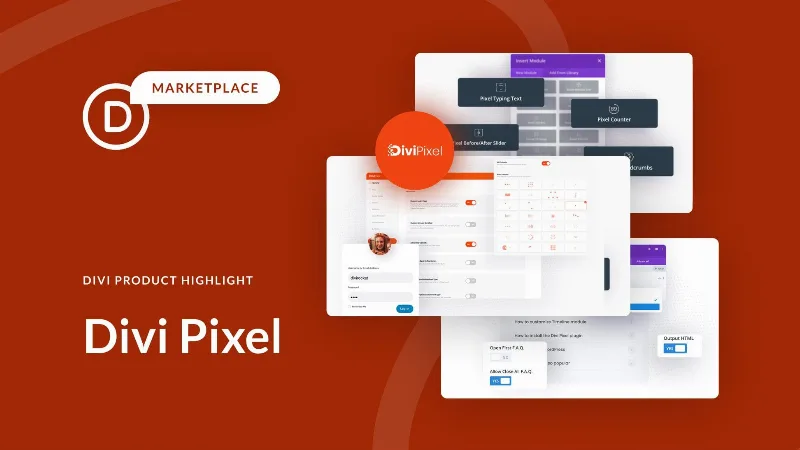
About Divi Pixel
The modules Divi is missing, without leaving Divi
Divi ships a solid builder and a module catalogue that covers the ordinary. The problem shows up when a design asks for something not on the list: a filterable gallery, a before-and-after, a timeline, an interactive hotspot on an image. The usual way out is a code module, and from that moment on nobody who does not write code can touch that section.
Divi Pixel avoids that fork. It adds more than 50 new modules to the same builder, so what used to be hand-pasted CSS becomes something you edit by dragging, like the rest of the page.
Which modules it adds
- Galleries: filterable, masonry, slider, image rotator and a before-and-after module.
- Interactive: flip box, hover box, image hotspots, magnifier and tilt image.
- Text effects: typing text, highlighter, fancy animated text and an SVG animator.
- Data presentation: pricing table, price list, FAQ, timeline and breadcrumbs.
- Reading: a reading progress bar and a table of contents, which noticeably change the experience on long articles.
What gets configured outside the modules
It ships more than 200 of its own options, grouped into tabs inside the WordPress customiser. From there you can adjust things Divi leaves half done: the header, the footer, the login page, the back-to-top button, and uploading custom map markers and SVGs.
It also includes a mobile menu builder made with Divi Builder itself, which answers the classic problem that the desktop menu can be designed and the mobile one cannot.
Extras
A popup maker with 19 animations, a particles background extension, and full layout packs to start a project without beginning from nothing.
It is WordPress multisite compatible.
Who it is for
Anyone already working in Divi who keeps repeating the same workarounds. If you have pasted the same block of CSS three times to get a hover effect, this is the plugin that turns that workaround into a setting.
Frequently asked questions
Does it work without Divi?
No. It is an extension of the Divi theme by Elegant Themes and needs Divi to run.
Can I design the mobile menu?
Yes, it includes a mobile menu builder edited with Divi Builder itself.
Does it replace other module plugins?
It covers a good share of what people go looking for elsewhere, though it is worth checking the list for the specific modules your design needs.
Does it work on multisite?
Yes, it is compatible with WordPress multisite installations.
Topics
Version history
-
v
2.53.2 Current 8 Sep 2026
-
v
2.52.0 24 Jun 2026
-
v
2.50.1 12 Apr 2026
Customer reviews
Sign in to leave a review. Only people who have the product can review it.
-
J
Jorge
Es el mejor plugin para Divi
Siempre lo uso, no necesito mas solo divi y divipixel
Frequently asked questions
-
GPL (General Public License) is the license under which WordPress and most premium plugins/themes are distributed. It grants you the right to use, modify and redistribute the software in as many projects as you want, with no domain restrictions.
-
Yes. With membership you get automatic updates via our GPLClub Updater plugin (installed on your WP, detects new versions and applies them). With individual purchase, you get one year of manual updates from your account.
-
Depends on the plan. Monthly: 3 domains. Semi-annual: 7. Annual and Lifetime: 15. Individual purchase: 1 domain.
-
GPLClub offers its own support for installation, configuration and compatibility. For direct support from the original author (feature requests, product-specific bugs), a license purchased from the author is required.