WPForms MailChimp Addon
Antivirus scan
Powered by ClamAV
✅ Verified clean
This product file has passed our security filters.
Want to run a fresh ClamAV scan right now? Takes a few seconds and shows scanner version, signature DB and live result.
This can take 5 to 30 seconds.
Clean file Threat detected
No threats detected in this file.
- File
- Size
- Scanned
- ClamAV
- Signature database
⚡ Powered by ClamAV
Scan could not be completed
Report product
If you detected an issue (broken file, malware, inappropriate content, etc.) let us know and we'll review it ASAP.
Sign in to report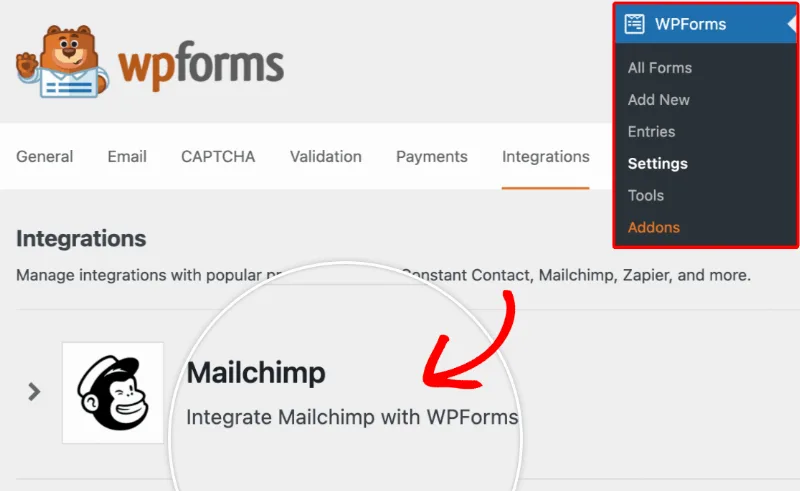
About WPForms MailChimp Addon
A Mailchimp list gets spoiled at the form, not in the campaign
Many newsletters start with a generic form that puts everyone in the same list. Months later the problem shows up: the person who asked for a quote gets the same emails as the person who only wanted some advice, and campaigns stop being relevant to almost everyone. WPForms MailChimp Addon tackles this at the source: what the visitor ticks or types in the form decides which list they land in and with which tags.
How WPForms MailChimp Addon sorts each subscriber
- API key connection: you link your Mailchimp account to WPForms and choose the destination list.
- Field mapping: each form field is matched to a Mailchimp custom field.
- Tags: you assign Mailchimp tags to build more targeted lists.
- Smart Tags: they add notes to the subscriber's profile in Mailchimp.
- VIPs and returning subscribers: you can mark subscribers as VIPs and let people who were on the list before subscribe again from the form.
- Conditional rules: the contact is only processed if the conditions you define are met.
The form is built with the WPForms drag and drop builder, so you can change fields, notification emails and the confirmation message. It can also let people subscribe, unsubscribe, archive their contact or request permanent deletion.
Three situations where it fits
A blog or store newsletter
A short sign-up form that sends the email address to the right list.
A business that already gets enquiries or quote requests
The addon is not limited to newsletter forms: it also works with a contact form, a request a quote form or any other. Keep the subscription checkbox clear if you add one: do not subscribe anyone who has not asked for it.
A site with different audiences
If you talk to different profiles (for example, customers and professionals), a dropdown in the form can send each person to a different list or apply other tags. The sooner you separate audiences, the more relevant your emails will be.
Common questions before connecting Mailchimp
Do I need to know how to code? No. The form is created with the visual builder and the connection is made with your Mailchimp API key.
Is it only for newsletter forms? No. You can also connect it to contact forms, quote forms or other types.
Can I send each subscriber to a list based on what they choose? Yes, based on the form selection and the tags you set up.
Can someone subscribe again if they were on the list before? Yes, the addon lets returning users resubscribe through your form.
It needs WPForms Pro and a Mailchimp account
It is an addon: it does not work on its own, it requires WPForms in its Pro version and a Mailchimp account. It takes care of sending the contacts; campaigns, automations and email designs are still created in Mailchimp. And the form has to be built and published: nobody subscribes until then.
Topics
Version history
-
v
2.5.1 Current 14 Jul 2025
Customer reviews
Sign in to leave a review. Only people who have the product can review it.
No reviews for this product yet.
Frequently asked questions
-
GPL (General Public License) is the license under which WordPress and most premium plugins/themes are distributed. It grants you the right to use, modify and redistribute the software in as many projects as you want, with no domain restrictions.
-
Yes. With membership you get automatic updates via our GPLClub Updater plugin (installed on your WP, detects new versions and applies them). With individual purchase, you get one year of manual updates from your account.
-
Depends on the plan. Monthly: 3 domains. Semi-annual: 7. Annual and Lifetime: 15. Individual purchase: 1 domain.
-
GPLClub offers its own support for installation, configuration and compatibility. For direct support from the original author (feature requests, product-specific bugs), a license purchased from the author is required.