WP Manga Member Upload PRO
Antivirus scan
Powered by ClamAV
✅ Verified clean
This product file has passed our security filters.
Want to run a fresh ClamAV scan right now? Takes a few seconds and shows scanner version, signature DB and live result.
This can take 5 to 30 seconds.
Clean file Threat detected
No threats detected in this file.
- File
- Size
- Scanned
- ClamAV
- Signature database
⚡ Powered by ClamAV
Scan could not be completed
Report product
If you detected an issue (broken file, malware, inappropriate content, etc.) let us know and we'll review it ASAP.
Sign in to report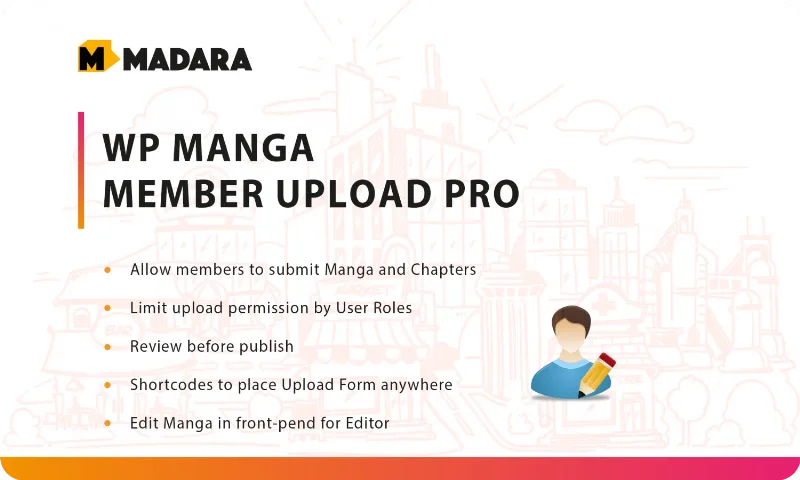
About WP Manga Member Upload PRO
Front-End Manga Management with WP Manga Member Upload PRO
When a manga site grows to include multiple translation teams or independent artists, manually uploading series from the WordPress dashboard becomes a bottleneck. WP Manga Member Upload PRO is an extension for the Madara theme that moves this process to the front-end: registered members can upload their own series, add chapters and edit their content without needing access to the admin panel.
What It Solves for Site Administrators
The plugin is built for community-driven sites where multiple people or teams contribute content simultaneously. Instead of centralizing every submission through the admin, the initial upload is delegated to contributors themselves, while still keeping a review system in place before the manga or chapters go live. This reduces the administrator's workload without giving up editorial control.
Key Features
- Front-end manga upload: members create new series directly from the public side of the site, without going through the WordPress dashboard.
- Chapter management: each manga's owner can edit its information, add new chapters and organize volumes from their own user area.
- Flexible content moderation: the administrator decides whether submitted content is published automatically or held pending review.
- Role-based permissions: access to upload content can be restricted, and the plugin works alongside other membership plugins to limit access based on account type.
- Submission review system: submitted manga and chapters appear in a review section where the administrator approves or rejects each submission before it goes public.
- Front-end editing: both the series owner and editors or administrators can update manga information, change the thumbnail or manage chapters without entering the backend.
- Trusted user exemptions: specific users or teams can be marked so their content publishes directly, bypassing the review queue.
- Shortcode-based forms: manga and chapter upload forms are inserted into any page via specific shortcodes, allowing their placement and appearance to be customized within the site.
Available Shortcodes
The plugin includes separate shortcodes for each form type: [muupro_upload_manga] for submitting new series, [muupro_upload_chapters] for image-based chapters, and [muupro_upload_novel_chapter] for text chapters. Each one accepts parameters to show or hide fields such as author, artist, type, genre, tags, adult content or horizontal thumbnail, allowing the form to be adapted to each site's needs.
Common Use Cases
This is a suitable tool for manga sites run by scanlation communities, platforms that receive contributions from independent artists, or projects where several groups publish in parallel under the same site. It's also useful when opening a site to outside contributors without giving up an approval workflow before final publication.
Specifications
| Compatibility | Madara theme 2.3 or higher |
| Supported content types | Manga, text novel and video (only one type active per site at a time) |
| Customizable forms | Via shortcodes with configurable parameters |
Frequently Asked Questions
Can I choose which fields appear in the upload form?
Yes, each shortcode accepts parameters to enable or disable fields such as author, artist, genre, tags, release year or adult content.
Is content published automatically when uploaded?
It depends on the configuration. The administrator can set the default status to "pending" for review before publishing, or to "published" so it appears immediately.
Can it be used alongside other membership plugins?
Yes, upload permissions are managed by user role, so it can be combined with membership plugins to limit who can submit content.
Can users edit their manga after publishing it?
Yes, if front-end editing is enabled, the series owner can update the information, change the cover image and manage chapters without accessing the WordPress dashboard.
Can manga, video and text novel be used at the same time on one site?
No. The plugin supports all three content types, but only one can be active for front-end upload on each site.
Topics
Version history
-
v
1.2.2.2 Current 17 May 2024
Customer reviews
Sign in to leave a review. Only people who have the product can review it.
No reviews for this product yet.
Frequently asked questions
-
GPL (General Public License) is the license under which WordPress and most premium plugins/themes are distributed. It grants you the right to use, modify and redistribute the software in as many projects as you want, with no domain restrictions.
-
Yes. With membership you get automatic updates via our GPLClub Updater plugin (installed on your WP, detects new versions and applies them). With individual purchase, you get one year of manual updates from your account.
-
Depends on the plan. Monthly: 3 domains. Semi-annual: 7. Annual and Lifetime: 15. Individual purchase: 1 domain.
-
GPLClub offers its own support for installation, configuration and compatibility. For direct support from the original author (feature requests, product-specific bugs), a license purchased from the author is required.